
Filter By Item Condition
- New: Brand new, unused, unopened, and in its original retail packaging
-
Filter By Stock
- In Stock (8)
Filter By Brand
- Aus Electronics Direct (26)
HDMI Matrix Switch
Popular Products
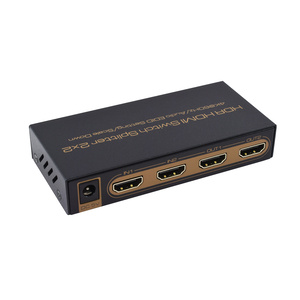
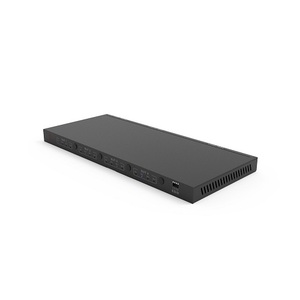
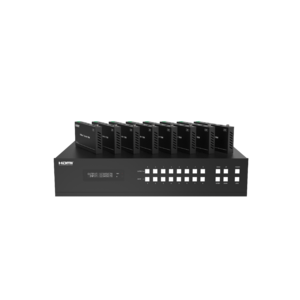
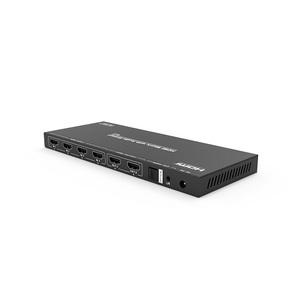
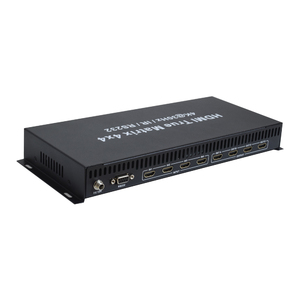
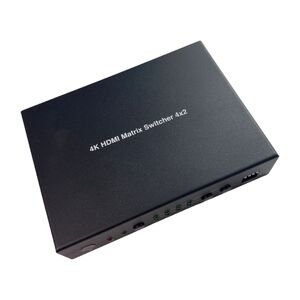
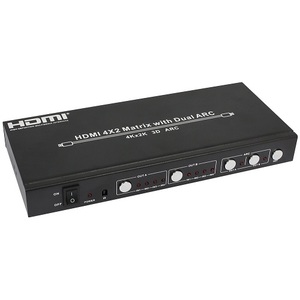
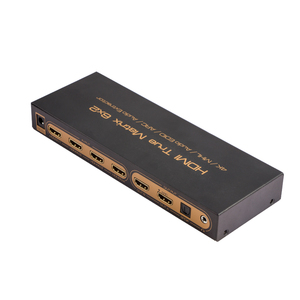
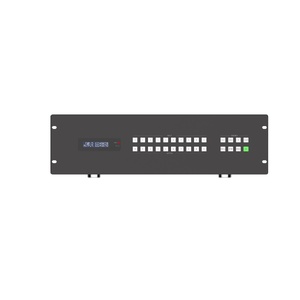
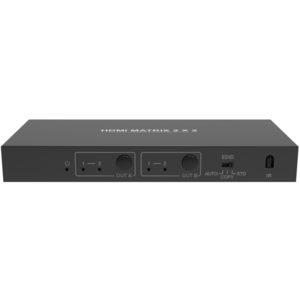
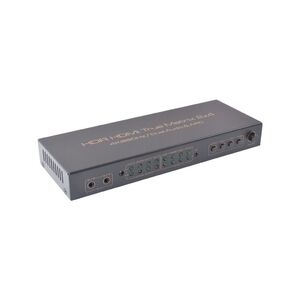
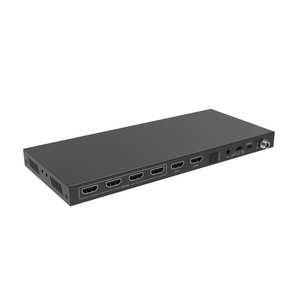
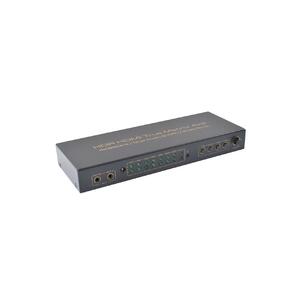
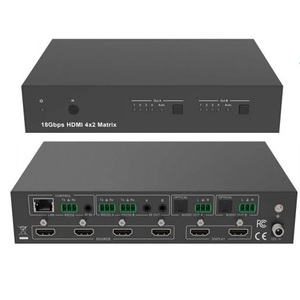
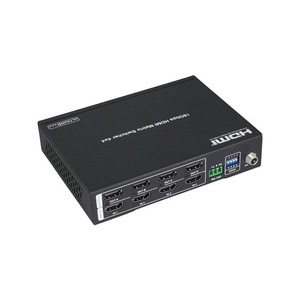
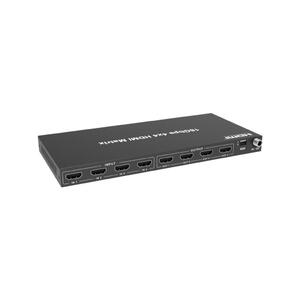
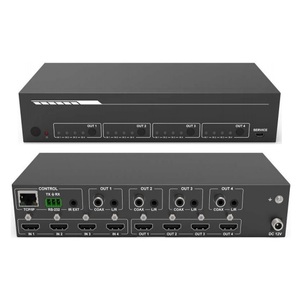
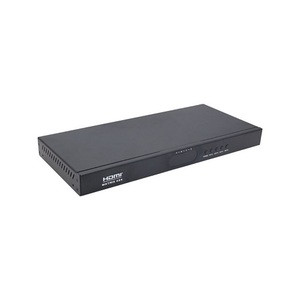
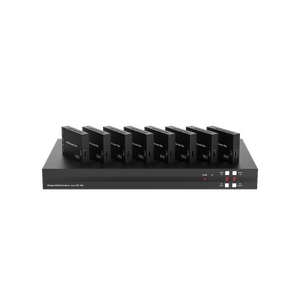
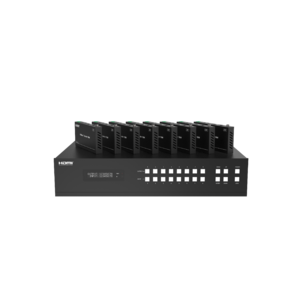
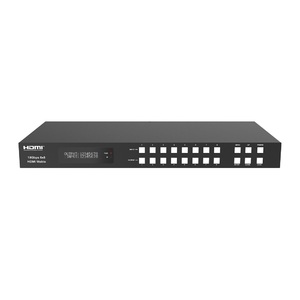
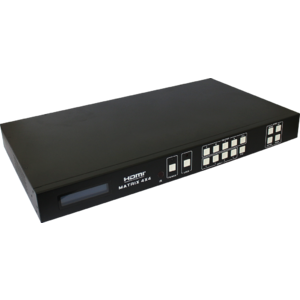
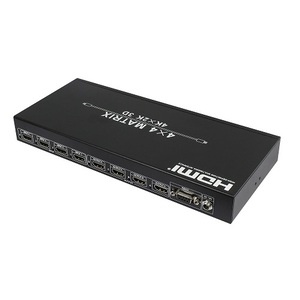
HDMI Matrix Switch
Shop HDMI matrix switches for routing multiple HDMI source devices to multiple TVs, monitors, projectors or other HDMI displays. Unlike a standard HDMI switch, which generally connects multiple sources to one display, an HDMI matrix allows different HDMI inputs to be directed to different outputs.
HDMI matrix switches are useful for home entertainment, gaming, commercial AV, presentations and multi-display setups where several source devices need to be shared across multiple screens. Depending on the model, features may include 4K or 8K video support, HDR, high refresh rates, remote control, EDID management and other HDMI compatibility features.
When choosing an HDMI matrix switch, consider the number of inputs and outputs you require, as well as the resolution, refresh rate, bandwidth and other HDMI features supported by your source devices and displays.
An HDMI matrix (or HDMI matrix switch) is a device that lets you connect multiple HDMI sources to multiple HDMI displays and choose which source appears on each display.
Simple example
Imagine you have:
- 4 HDMI sources: PlayStation, Xbox, Blu-ray player, streaming box
- 2 TVs
A 4×2 HDMI matrix can connect all four sources to both TVs:
PlayStation ─┐
Xbox ────────┤
Blu-ray ─────┼──→ HDMI Matrix ──→ TV 1
Streaming ──┘ └─→ TV 2
You can typically select which source is sent to each output, depending on the matrix's capabilities.
What does “4×2” mean?
The numbers describe inputs × outputs:
| Matrix | Meaning |
|---|---|
| 2×2 | 2 HDMI inputs → 2 HDMI outputs |
| 4×2 | 4 HDMI inputs → 2 HDMI outputs |
| 4×4 | 4 HDMI inputs → 4 HDMI outputs |
| 8×8 | 8 HDMI inputs → 8 HDMI outputs |
For example, a 4×4 HDMI matrix can connect four source devices and four displays, with routing options between them.
HDMI matrix vs HDMI switch
This is the easiest way to remember the difference:
- HDMI switch: multiple sources → one display
- HDMI splitter: one source → multiple displays
- HDMI matrix: multiple sources → multiple displays
So if someone wants to connect several gaming consoles to one TV, an HDMI switch is usually appropriate.
If they want to connect several consoles/media devices to several TVs, an HDMI matrix is much more suitable.
What are HDMI matrices used for?
Common applications include:
- Home theatre systems
- Multiple-TV setups
- Gaming setups
- Conference rooms
- Digital signage
- Classrooms
- Commercial AV systems
- Multiple monitors/displays
The exact capabilities vary by model, so when choosing one, check resolution, refresh rate, HDMI version, bandwidth, HDR, HDCP and the number of inputs/outputs.