
Filter By Colour
- Yellow
- blue
-
Filter By Category
- Robot Kit for Arduino | DIY Robotics Kits (2)
- Robot Arm (2)
-
Filter By Stock
- In Stock (11)
Filter By Brand
- iduino (29)
- Xtreme Bots (2)
Arduino Robot Kits for DIY Robotics Projects
Popular Products


Arduino Robot Kits for DIY Robotics Projects
What Is an Arduino Robot Kit?
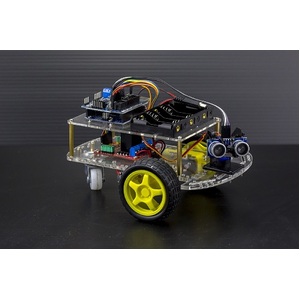
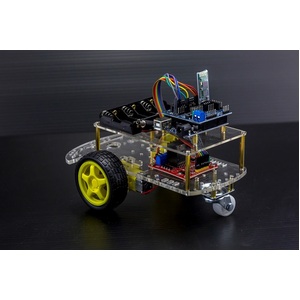
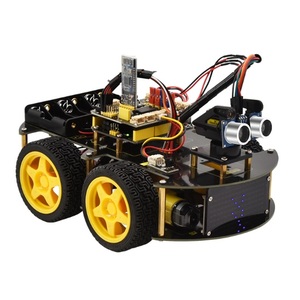
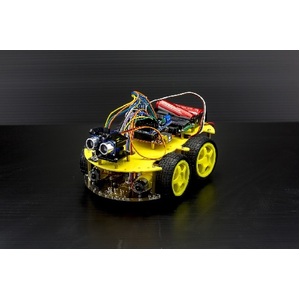
An Arduino robot kit is a collection of electronic components, mechanical parts and programmable hardware used to build and control a robot. These kits typically use an Arduino-compatible development board as the robot's controller, allowing users to program movement, interact with sensors and experiment with automated functions.
Arduino robotics kits are ideal for beginners, students, educators and electronics enthusiasts interested in learning robotics, coding and engineering. Depending on the kit, users can build two-wheel-drive robots, four-wheel-drive vehicles, obstacle-avoiding robots, line-following robots and Bluetooth-controlled robotic vehicles.
With hands-on assembly and programming activities, Arduino robot kits provide an engaging introduction to robotics and practical electronics.
What Is Included in an Arduino Robotics Kit?
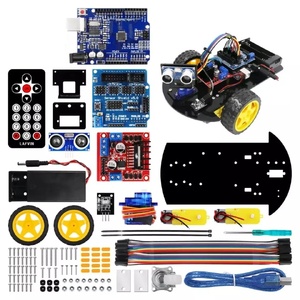
The components included in an Arduino robot kit depend on the model and its intended applications. Common components include:
-
Arduino UNO or compatible development board
-
Robot chassis and mounting hardware
-
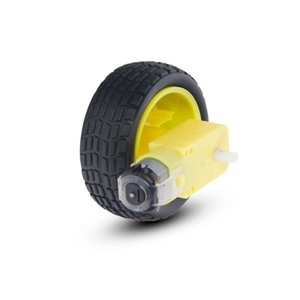
DC motors and wheels
-
Motor driver modules
-
Ultrasonic distance sensors
-
Infrared receivers and remote controllers
-
Bluetooth communication modules
-
Line-tracking sensors
-
Servo motors
-
Battery holders and power accessories
-
Jumper wires and connection cables
-
Assembly instructions and programming examples
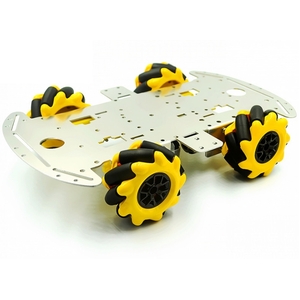
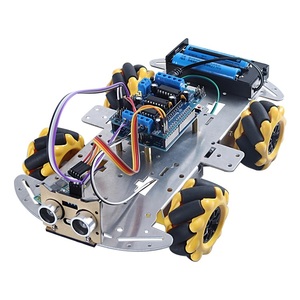
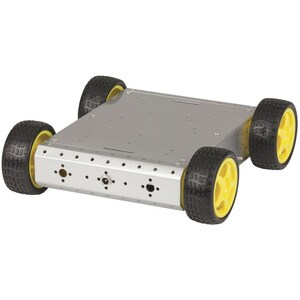
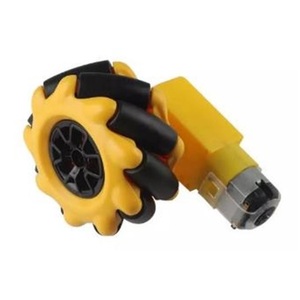
Some advanced robotics kits also include mecanum wheels, metal chassis, robotic arms and additional sensors for more complex applications.
Customers should check individual product specifications to confirm the included components.
What Can You Build with an Arduino Robot Kit?
Arduino robot kits support a variety of educational and DIY robotics projects.
Popular projects include:
-
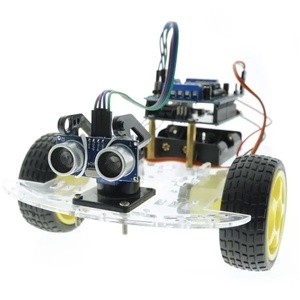
Obstacle-avoiding robots: Use ultrasonic sensors to detect objects and automatically change direction.
-
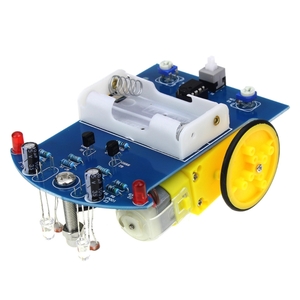
Line-following robots: Use infrared sensors to follow a predefined path.
-
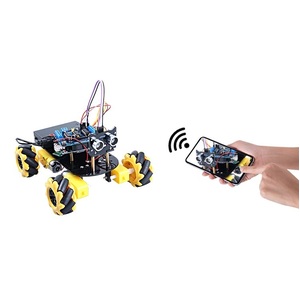
Bluetooth-controlled robots: Control robot movement using a compatible smartphone or wireless device.
-
Remote-controlled robot cars: Use infrared remote controls to operate a robotic vehicle.
-
Four-wheel-drive robots: Experiment with motor control and movement across different surfaces.
-
Mecanum-wheel robots: Build robots capable of moving in multiple directions.
-
Robotic arms: Experiment with servo motors and mechanical movement to create gripping and lifting mechanisms.
These projects introduce important robotics concepts, including motor control, sensor inputs, wireless communication and automation.
Benefits of Learning Robotics with Arduino
Arduino robotics kits provide practical learning opportunities for people interested in electronics, programming and engineering.
Key benefits include:
-
Hands-on learning: Assemble robotic vehicles and experiment with real electronic components.
-
Programming skills: Learn how to write code to control motors, sensors and robotic movements.
-
STEM education: Develop science, technology, engineering and mathematics skills.
-
Problem-solving: Understand how robots respond to their environment using sensors and programmed instructions.
-
Expandable projects: Add compatible sensors, wireless modules and other components to customise robot functionality.
-
Creative experimentation: Develop original robotics projects and explore automation.
How to Choose the Right Arduino Robot Kit
Choosing the right robot kit depends on your experience level, project requirements and desired robotic functions.
Consider the following options:
-
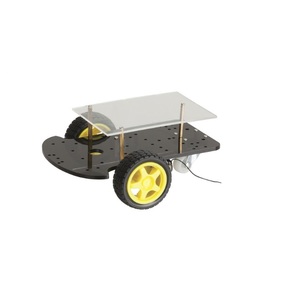
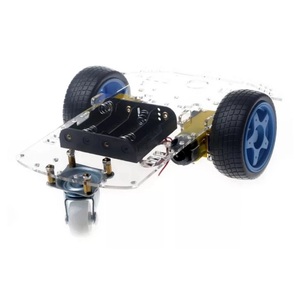
2WD Arduino robot kits: Suitable for beginners learning basic motor control and robot movement.
-
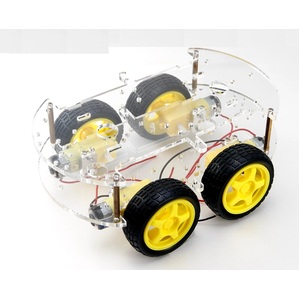
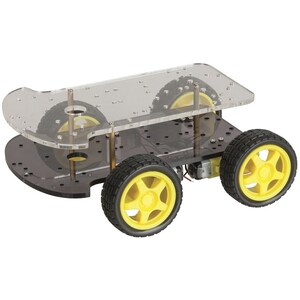
4WD Arduino robot kits: Provide additional drive motors for experimenting with four-wheel-drive robotics.
-
Ultrasonic robot kits: Ideal for building obstacle-avoiding robots and learning distance measurement.
-
Bluetooth robot kits: Allow wireless robot control through compatible smartphones or devices.
-
Line-following robot kits: Suitable for learning infrared sensing and automated navigation.
-
Mecanum-wheel robot kits: Designed for experimenting with multidirectional robot movement.
-
Robotic arm kits: Introduce servo control, mechanical movement and gripping applications.
Compare the included controller board, motor drivers, sensors, chassis, power requirements and programming resources before purchasing.
Frequently Asked Questions – Arduino Robot Kits
1. What is an Arduino robot kit?
An Arduino robot kit is a collection of electronic components, mechanical parts and programmable hardware used to build and control robots. Most kits include an Arduino-compatible development board, motors, wheels, a chassis, sensors and motor driver modules. These components work together to create programmable robots that can move, detect obstacles, follow paths and respond to external commands. Arduino robot kits are popular for learning electronics, coding, robotics and automation through hands-on projects.
2. Are Arduino robot kits suitable for beginners?
Yes, Arduino robot kits are suitable for beginners interested in learning robotics and electronics. Many kits include pre-designed chassis, electronic components and assembly instructions to simplify the building process. Beginners can start with basic activities such as controlling motor speed and direction before progressing to more advanced projects involving obstacle avoidance, line following and wireless control. Basic programming knowledge is helpful but not essential.
3. What components are included in an Arduino robot kit?
The components vary depending on the robot kit, but common parts include:
-
Arduino UNO or compatible microcontroller board
-
Robot chassis and mounting hardware
-
DC geared motors and wheels
-
Motor driver module
-
Ultrasonic distance sensor
-
Infrared line-tracking sensors
-
Bluetooth or wireless communication module
-
Servo motors
-
Battery holder and power cables
-
Jumper wires and electronic connectors
-
Assembly instructions and example programs
Always check the individual product specifications to confirm which components are supplied.
4. What can you build with an Arduino robotics kit?
Arduino robotics kits can be used to create a variety of interactive and programmable robots, including:
-
Obstacle-avoiding robot cars
-
Line-following robots
-
Bluetooth-controlled robotic vehicles
-
Infrared remote-controlled robots
-
Two-wheel-drive and four-wheel-drive robots
-
Mecanum-wheel robots with multidirectional movement
-
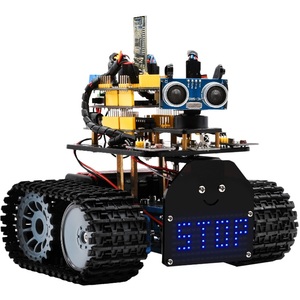
Tank-style robotic vehicles
-
Robotic arms with servo-controlled movement
These projects help users understand motor control, sensor technology, programming and automated movement.
5. What is the difference between a 2WD and 4WD Arduino robot?
A 2WD (two-wheel-drive) Arduino robot typically uses two powered wheels and a caster wheel for balance and movement. It is relatively simple to assemble and is suitable for beginner robotics projects.
A 4WD (four-wheel-drive) Arduino robot uses four powered wheels, providing additional traction and different movement characteristics. It is useful for projects involving more complex motor control and driving across varied surfaces.
The best option depends on the intended application, chassis design, motor specifications and available space.
6. How does an ultrasonic sensor help a robot avoid obstacles?
An ultrasonic sensor helps a robot detect objects by transmitting high-frequency sound waves and measuring the time taken for the reflected sound to return. The Arduino calculates the distance to the object using the measured travel time. If an obstacle is detected within a programmed distance, the robot can stop, reverse or turn in another direction. This allows the robot to navigate around objects without requiring constant manual control.
7. What is an Arduino line-following robot?
An Arduino line-following robot is an automated vehicle designed to follow a line or track on a surface. It typically uses infrared sensors to distinguish between a dark line and a lighter background. The Arduino processes the sensor readings and adjusts the motors to keep the robot aligned with the track. Line-following robots are popular educational projects for learning sensor technology, programming logic and motor control.
8. Can I control an Arduino robot using Bluetooth?
Yes, compatible Arduino robot kits can be controlled using Bluetooth communication modules. A Bluetooth module connects to the Arduino board and receives wireless commands from a compatible smartphone, tablet or other Bluetooth-enabled device. These commands can control functions such as forward movement, reverse movement, turning and stopping. Some kits include dedicated smartphone control applications, while others require compatible control software.
9. Can I control an Arduino robot with a remote control?
Yes, many Arduino robot kits support remote control using infrared or compatible wireless transmitters. An infrared receiver connected to the Arduino board can interpret signals from an infrared remote control. The Arduino then translates these commands into motor movements, allowing users to steer the robot, change direction and control its operation. Some robotics kits also support radio-frequency or other wireless control systems.
10. What programming language is used for Arduino robots?
Arduino robots are generally programmed using a language based on C and C++. Programs are written as Arduino sketches using the Arduino IDE or compatible development environments. The code controls the robot's motors, reads sensor information and determines how the robot responds to different conditions. Beginners can use existing example programs and modify them to create customised robotic functions.
11. Do Arduino robot kits require programming experience?
No, previous programming experience is not essential for most beginner Arduino robot kits. Users can start with example sketches and follow available tutorials to understand how the robot operates. Basic programming concepts such as variables, loops, conditional statements and functions can be learned through practical activities. More advanced robotics projects may require additional programming knowledge to customise navigation, sensor responses and automated behaviour.
12. What is a motor driver and why does a robot need one?
A motor driver is an electronic module that allows a microcontroller, such as an Arduino UNO, to control the operation of DC motors. Arduino output pins cannot normally supply enough current to drive motors directly, so a motor driver provides the necessary power switching and control interface. It allows the Arduino to control motor direction and, with suitable drivers, speed using pulse-width modulation (PWM). Motor drivers are essential for many Arduino robot projects involving movement and steering.
13. Can I add more sensors and modules to an Arduino robot kit?
Yes, many Arduino robot kits can be expanded with additional compatible electronic components. Common additions include ultrasonic distance sensors, infrared sensors, Bluetooth modules, Wi-Fi modules, temperature sensors, displays and servo motors. Additional modules can provide features such as wireless communication, environmental monitoring, object detection and improved navigation. Before adding components, check voltage requirements, current consumption, available input/output pins and communication compatibility.
14. What batteries or power supply does an Arduino robot require?
The required battery or power supply depends on the robot's Arduino board, motors and electronic components. Many robot kits use rechargeable lithium-ion or lithium-polymer battery packs, AA battery holders or other suitable DC power sources.
When selecting a power supply, consider:
-
The voltage requirements of the motors.
-
The operating voltage of the Arduino board.
-
The current required by the motors and electronic modules.
-
Battery capacity and expected operating time.
-
Whether the kit includes a suitable battery holder or regulator.
Always follow the kit manufacturer's power specifications and ensure that the Arduino and motors receive appropriate voltage and current.
15. What is the difference between an Arduino robot car and a robotic arm?
An Arduino robot car is a mobile robotic platform designed to move using motors, wheels and a chassis. It can be programmed to follow lines, avoid obstacles and respond to wireless control commands.
An Arduino robotic arm is a stationary or mounted mechanical system that uses servo motors or other actuators to control joint movements. It can perform actions such as gripping, lifting, rotating and positioning objects.
Both types of kits introduce robotics and programming, but robot cars focus on navigation and movement, while robotic arms focus on mechanical control and manipulation.
16. Are Arduino robotics kits suitable for STEM education?
Yes, Arduino robotics kits are excellent tools for STEM (Science, Technology, Engineering and Mathematics) education. They provide practical learning experiences that combine programming, electronics, mechanical engineering and problem-solving. Students can assemble robots, experiment with sensors, write control programs and investigate how automated systems respond to their environment. These activities encourage creativity, logical thinking, teamwork and technical skills.