
-
Filter By Stock
- In Stock (33)
Filter By Brand
- Arduino (2)
- Aus Electronics Direct (2)
- funduino (2)
- iduino (25)
- keyestudio (11)
Arduino UNO Development Boards
Popular Products
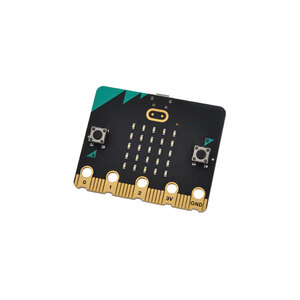
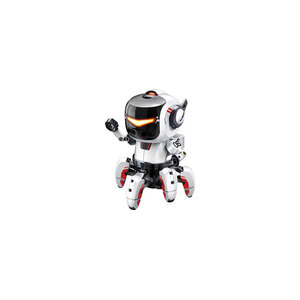
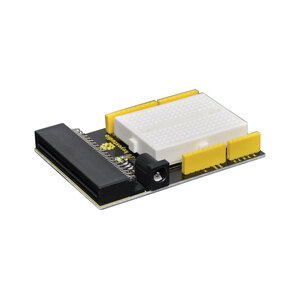
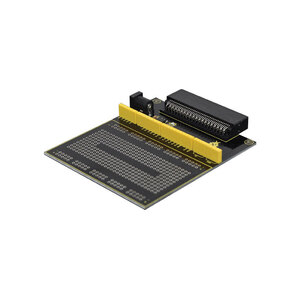
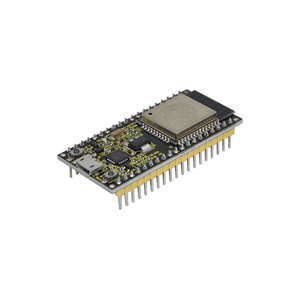
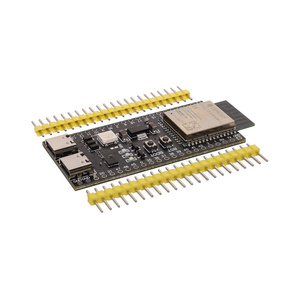
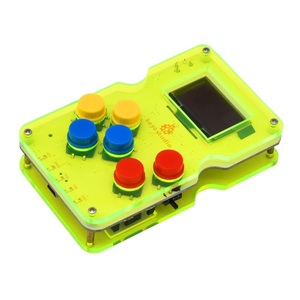
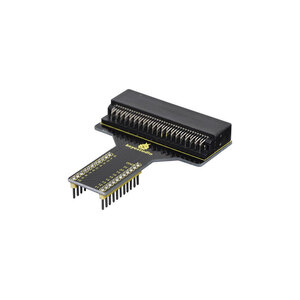
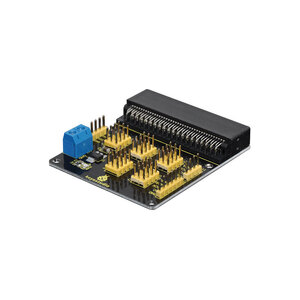
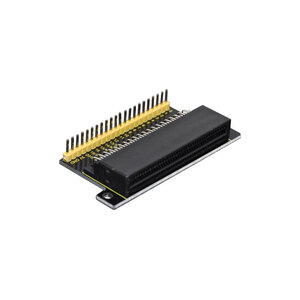
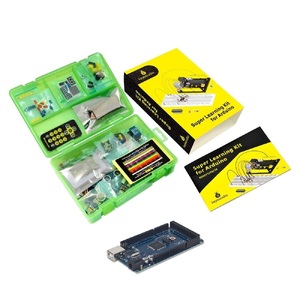
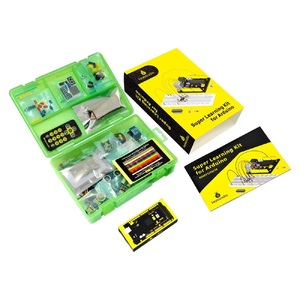
Arduino UNO Development Boards
What Is an Arduino UNO Development Board?
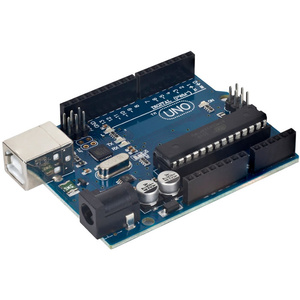
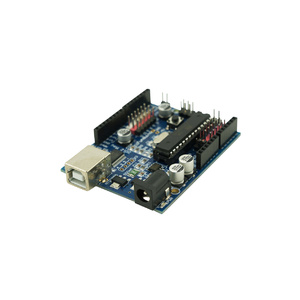
An Arduino UNO development board is a programmable microcontroller board used to build electronic projects, prototypes and interactive devices. It allows users to connect electronic components such as LEDs, buttons, sensors, displays and motors, then control them using custom-written programs.
The Arduino UNO is one of the most popular development boards for learning electronics and programming. Its straightforward design, accessible programming environment and compatibility with a wide range of electronic components make it suitable for beginners, students, hobbyists and experienced developers.
Arduino UNO Features and Specifications
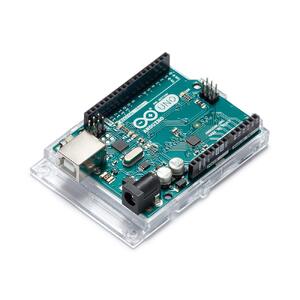
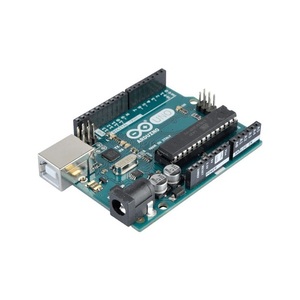
The Arduino UNO R3 is based on the ATmega328P microcontroller and provides 14 digital input/output pins. These connections allow users to interface with electronic components and control external devices.
Depending on the specific board version, features may include:
-
Digital input and output connections
-
Analogue input connections
-
PWM outputs for supported control applications
-
USB connectivity for programming and communication
-
Reset button for restarting programs
-
Power connections for suitable external power sources
-
Compatibility with supported Arduino shields and modules
Specifications and connector layouts can differ between UNO versions and compatible boards. Always check the individual product listing before purchasing.
What Can You Build with an Arduino UNO?
Arduino UNO boards can be used for a wide range of electronics and programming projects, including:
-
LED lighting and flashing circuits
-
Temperature and humidity monitoring systems
-
Motion and distance detection projects
-
Automatic lighting and sensor-controlled devices
-
Small robotics and motor-control projects
-
LCD and display-based applications
-
Electronic alarms and security prototypes
-
DIY automation and interactive electronics
These projects help users develop practical skills in circuit design, programming, electronics and troubleshooting.
Arduino UNO R3 and Compatible Development Boards
Arduino UNO boards are available in different versions and compatible designs. The UNO R3 is a widely used option for general-purpose electronics projects and learning Arduino programming.
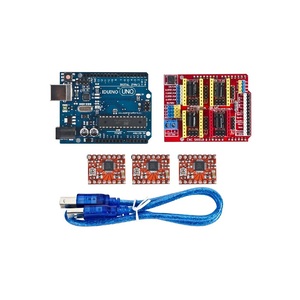
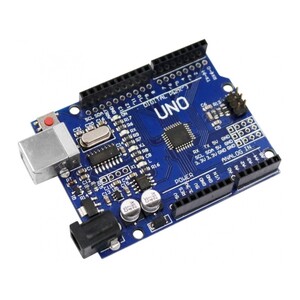
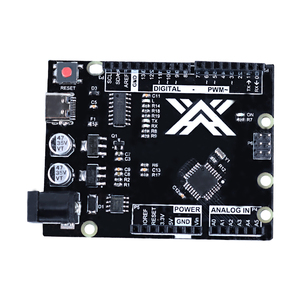
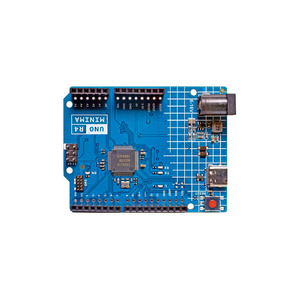
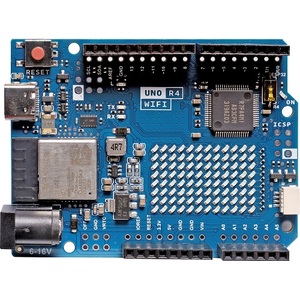
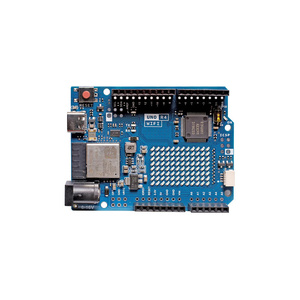
Compatible boards may offer different USB connectors, microcontrollers, layouts or additional features. For example, the range of Arduino development boards at Aus Electronics Direct includes standard UNO boards, USB-C versions, CH340-based boards, Wi-Fi-enabled variants and UNO R4 models.
When choosing a board, consider the microcontroller, USB connection, operating voltage, pin configuration and compatibility with your intended software and accessories.
Accessories and Components for Arduino UNO Projects
Complete your Arduino UNO setup with compatible electronic components and accessories. Breadboards, jumper wires, LEDs, resistors, sensors, displays, motor drivers and expansion shields can help extend the functionality of your development board.
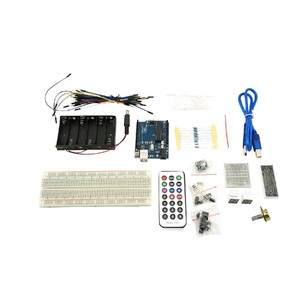
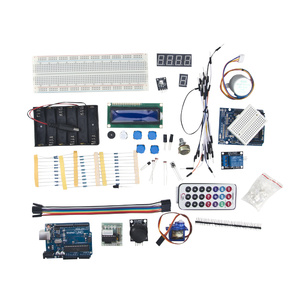
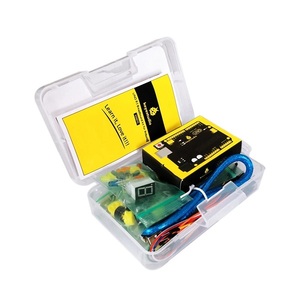
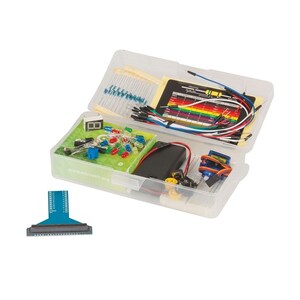
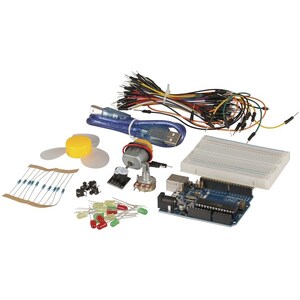
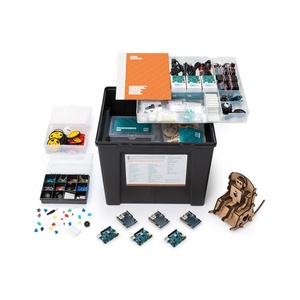
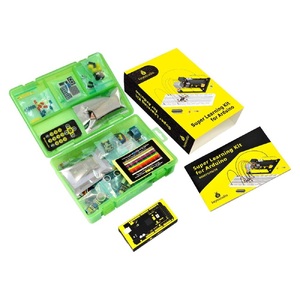
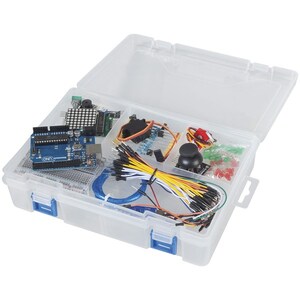
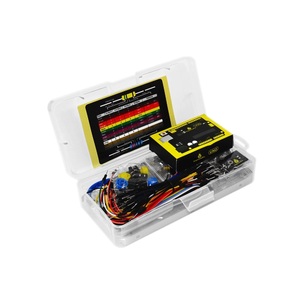
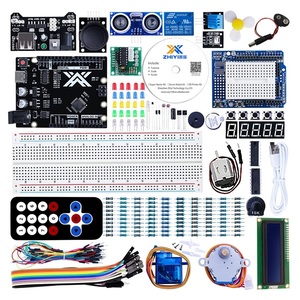
If you're new to Arduino, consider an UNO starter kit that combines a development board with useful components and project instructions. Aus Electronics Direct also offers a range of UNO starter kits for different experience levels and project requirements.
Uno, Mega, Nano Project Kits
Explore our Arduino UNO development boards and compatible components to find the right hardware for your next electronics project.
Recommended FAQ Content – Arduino UNO Development Board
1. What is an Arduino UNO development board?
An Arduino UNO development board is a programmable microcontroller board used to create electronic projects, prototypes and interactive devices. It allows users to connect components such as LEDs, buttons, sensors, displays and motors, then control them using code. The Arduino UNO is popular with beginners, students, hobbyists and developers because it provides an accessible way to learn electronics and programming.
2. What is the Arduino UNO used for?
The Arduino UNO is used for learning programming, building electronic circuits and developing interactive projects. Common applications include:
-
LED lighting and display projects
-
Temperature and humidity monitoring
-
Motion and distance detection
-
Automatic lighting and simple home automation
-
Motor and servo control
-
Electronic alarms and timers
-
Small robotics projects
It is also widely used for prototyping and testing ideas before developing more complex electronic systems.
3. What microcontroller does the Arduino UNO use?
The Arduino UNO R3 uses the ATmega328P microcontroller. This chip executes the uploaded program and controls the board's input and output connections. The Arduino UNO R4 uses a different microcontroller, the Renesas RA4M1, which provides a more powerful 32-bit platform. Always check the specific board version when comparing specifications.
4. What is the difference between Arduino UNO R3 and UNO R4?
The Arduino UNO R3 and R4 share a familiar UNO form factor and are designed for electronics development, but they differ in processing hardware and capabilities.
-
UNO R3: Uses the 8-bit ATmega328P microcontroller and is widely supported by beginner tutorials, libraries and existing projects.
-
UNO R4: Uses a 32-bit Renesas RA4M1 microcontroller, offering greater processing capability, more memory and additional features. UNO R4 versions include the Minima and WiFi models, with the WiFi version adding wireless connectivity and an LED matrix.
Check shield, library and voltage compatibility before moving an existing R3 project to an R4 board.
5. Is the Arduino UNO suitable for beginners?
Yes. The Arduino UNO is one of the most popular development boards for beginners. It has a straightforward layout, accessible programming tools and extensive learning resources. New users can start with simple projects such as flashing an LED or reading a button, then progress to sensors, displays and motor control as their skills improve.
6. How do I connect an Arduino UNO to a computer?
Connect the Arduino UNO to your computer using a compatible USB cable. The cable type depends on the board version: an UNO R3 commonly uses USB Type-B, while some newer or compatible boards use USB-C. Once connected, install or open the Arduino IDE and select the correct board and communication port. Your computer can then communicate with the board and upload programs.
7. What programming language does Arduino UNO use?
Arduino UNO boards are commonly programmed using the Arduino programming language, which is based on C and C++. Programs, known as sketches, are written in the Arduino IDE and uploaded to the board. Beginners can use simple commands and example sketches to learn programming concepts such as variables, loops, conditions and functions.
8. How do I upload code to an Arduino UNO?
To upload code to an Arduino UNO:
-
Connect the board to your computer using a compatible USB cable.
-
Open the Arduino IDE.
-
Select the appropriate Arduino UNO board model.
-
Choose the correct communication port.
-
Open an example sketch or write your own program.
-
Click Verify to check the code for errors.
-
Click Upload to transfer the program to the board.
Once uploading is complete, the Arduino UNO runs the program. If uploading fails, check the USB connection, selected board, port and required drivers.
9. What is the difference between digital and analogue pins on an Arduino UNO?
Digital pins work with two logic states: HIGH and LOW. They are commonly used to switch LEDs, read buttons and control digital devices.
Analogue input pins measure a varying voltage and convert it into a digital reading. On the classic UNO R3, the six analogue inputs use a 10-bit analogue-to-digital converter, providing readings from 0 to 1023 across the configured reference voltage range.
Some digital pins also support PWM (pulse-width modulation), which can be used for applications such as adjusting LED brightness or controlling motor speed with suitable driver hardware.
10. How many input and output pins does an Arduino UNO have?
The Arduino UNO R3 has 14 digital input/output pins, including six that support PWM, and six analogue input pins. These connections allow the board to communicate with sensors, switches, LEDs, displays and other electronic components. The available pins and their functions can vary between UNO versions, so check the specifications for the particular board.
11. Can an Arduino UNO control motors and sensors?
Yes. An Arduino UNO can read information from compatible sensors and control motors through suitable driver circuits. It can work with temperature sensors, ultrasonic distance sensors, light sensors, motion detectors and other input devices.
For motors, a motor driver or suitable control module is generally required because motors often draw more current than the board's pins can safely provide. Servos can also be controlled using compatible connections and libraries, provided their power requirements are met.
12. What power supply does an Arduino UNO require?
The Arduino UNO can typically be powered through its USB connection or a suitable external power supply. For the classic UNO R3, the recommended external input voltage through the DC barrel jack or VIN is generally 7–12V. The board regulates this input for its operating circuitry.
Always check the specifications for your particular UNO version and use a suitable regulated supply where required. Avoid applying excessive voltage or drawing high current from the board's power pins.
13. Is an Arduino UNO compatible with Arduino shields?
Yes. Arduino shields are expansion boards that connect to the UNO's headers to add functions such as motor control, displays, sensors, Ethernet or wireless communication. Many shields are designed around the UNO R3 layout.
However, compatibility is not automatic. Check the shield's pin layout, operating voltage, power requirements and software support before connecting it, particularly when using UNO R4 or third-party compatible boards.
14. What is the difference between an original Arduino UNO and a compatible board?
An original Arduino UNO is manufactured and supplied under the Arduino brand. A compatible board is produced by another manufacturer and is designed to work with the Arduino platform.
Compatible boards may offer similar functionality and may use the same general layout, but components, USB interfaces, drivers, build quality and support can vary. Check the product description for the microcontroller, USB connection, operating voltage and compatibility details before purchasing.
15. Do I need a starter kit to use an Arduino UNO?
No. An Arduino UNO can be purchased and used on its own, but you will need suitable components and accessories to build most projects. A starter kit is a convenient option for beginners because it may include a breadboard, jumper wires, LEDs, resistors, buttons, sensors and project instructions. This provides the basic materials needed to start experimenting without sourcing each component separately.
16. Can I use an Arduino UNO for robotics projects?
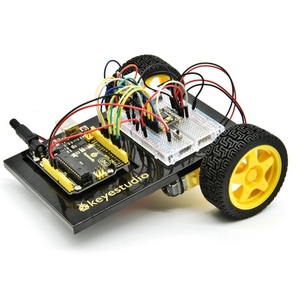
Yes. The Arduino UNO is suitable for many beginner and intermediate robotics projects, including small robot cars, obstacle-avoiding robots and line-following robots. It can process sensor readings and control motors through appropriate driver modules.
Robotics projects may require additional components such as:
-
DC motors and wheels
-
Motor driver modules
-
Ultrasonic or infrared sensors
-
Servo motors
-
Battery packs and suitable power supplies
-
Chassis, brackets and connecting wires
The UNO is a practical platform for learning how electronics, programming and mechanical components work together in robotics.