
-
Filter By Stock
- In Stock (12)
Filter By Brand
- iduino (18)
- keyes (1)
Arduino UNO Starter Kit for Beginners
Popular Products
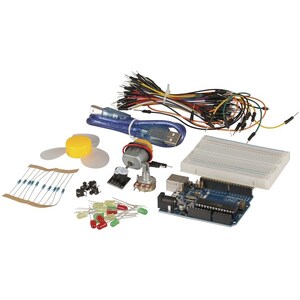
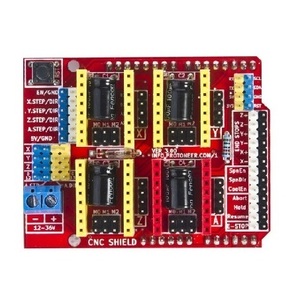
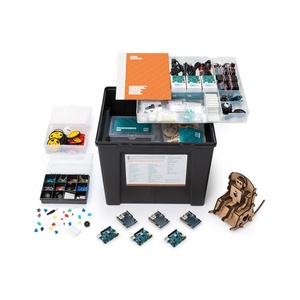
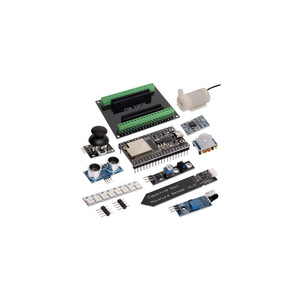
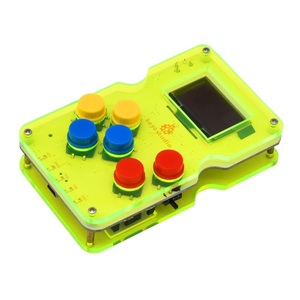
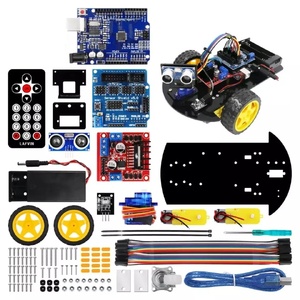
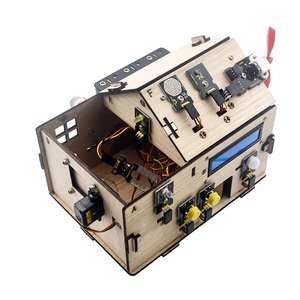
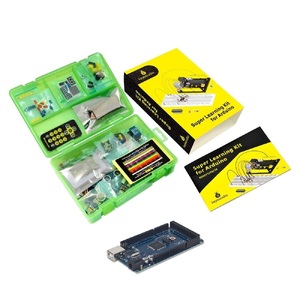
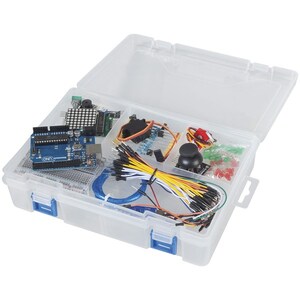
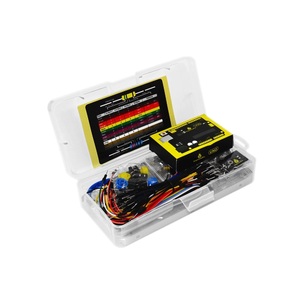
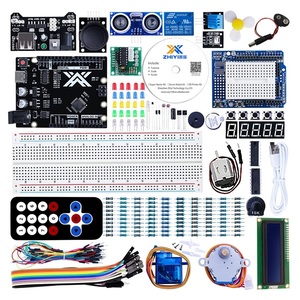
What Is an Arduino UNO Starter Kit?
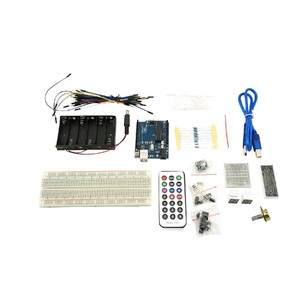
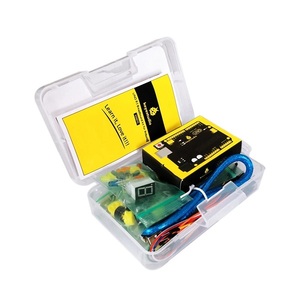
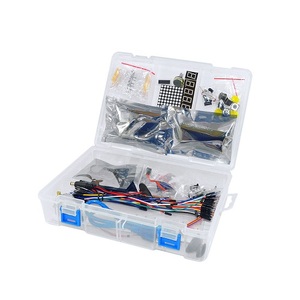
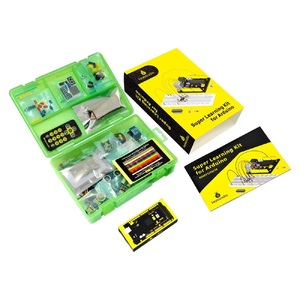
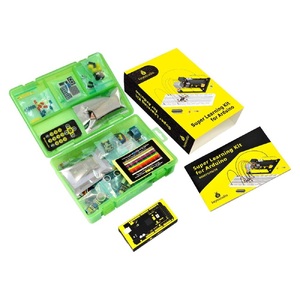
An Arduino UNO Starter Kit is a collection of electronic components and development tools designed to help beginners learn electronics, programming and microcontroller-based projects. Built around the Arduino UNO development board, these kits allow users to experiment with circuits, sensors, LEDs, displays and other electronic devices.
Arduino starter kits are suitable for students, educators, hobbyists and anyone interested in learning how hardware and software work together. With practical components and step-by-step project instructions, beginners can develop programming skills while creating interactive electronic projects.
What Is Included in an Arduino Starter Kit?
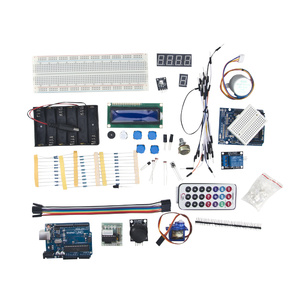
Arduino UNO starter kits typically include a development board, breadboard, jumper wires, resistors, LEDs, buttons, sensors and other electronic modules.
Depending on the kit, additional components may include:
-
Temperature and light sensors
-
Infrared receivers and remote controls
-
LCD and LED displays
-
Buzzers and sound modules
-
Potentiometers and switches
-
Servo and stepper motors
-
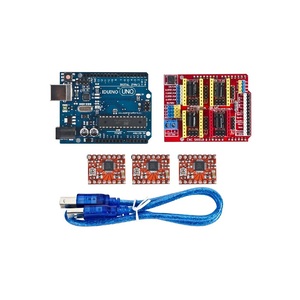
Relay modules and motor drivers
The exact contents vary between starter kits, so customers should check individual product specifications before purchasing.
What Can You Build with an Arduino UNO Starter Kit?
An Arduino UNO starter kit provides the components needed to experiment with a variety of beginner-friendly electronics projects, including:
-
LED blinking and lighting circuits
-
Traffic light simulation projects
-
Temperature monitoring systems
-
Light-sensitive automatic lighting
-
Button-controlled electronic circuits
-
Digital displays and counters
-
Infrared remote-controlled devices
-
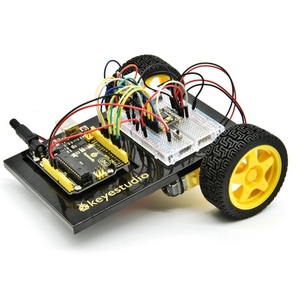
Basic robotics and motor control projects
These projects help users understand programming fundamentals, electronic circuits, sensor inputs and hardware control.
Benefits of Learning with an Arduino Starter Kit
Arduino starter kits provide a practical introduction to electronics and programming.
Key benefits include:
-
Beginner-friendly learning: Explore programming and electronics through hands-on activities.
-
Practical experience: Build working circuits using real electronic components.
-
STEM education: Develop science, technology, engineering and mathematics skills.
-
Creative experimentation: Design customised projects using sensors, displays and modules.
-
Expandable learning: Add compatible components as your knowledge and project requirements grow.
How to Choose the Right Arduino Starter Kit
When choosing an Arduino starter kit, consider your experience level, project requirements and the components included.
-
Basic starter kits: Suitable for beginners learning basic circuits, LEDs and programming.
-
Ultimate starter kits: Offer a wider selection of components, sensors, displays and motors.
-
Sensor starter kits: Ideal for experimenting with environmental sensors and electronic measurements.
-
Robotics starter kits: Include motor control components and modules for developing robotics projects.
-
Educational kits: Suitable for classroom activities, STEM education and structured learning.
Compare the included development board, component selection, project instructions and software compatibility before choosing a kit.
Frequently Asked Questions – Arduino UNO Starter Kit
1. What is an Arduino UNO starter kit?
An Arduino UNO starter kit is a collection of electronic components and accessories designed to help users learn electronics, coding and microcontroller programming. It typically includes an Arduino UNO development board, breadboard, jumper wires, LEDs, resistors, sensors and other electronic modules. These components allow users to build circuits, experiment with programming and create interactive electronic projects.
2. Is an Arduino starter kit suitable for beginners?
Yes, an Arduino starter kit is ideal for beginners with little or no electronics or programming experience. Most kits include basic electronic components and project instructions to help users learn step by step. Beginners can start with simple projects, such as blinking LEDs and controlling buttons, before progressing to more advanced applications involving sensors, motors and displays.
3. What is included in an Arduino UNO starter kit?
The contents vary depending on the kit, but a typical Arduino UNO starter kit may include:
-
Arduino UNO development board
-
USB cable for programming and power
-
Solderless breadboard
-
Jumper wires
-
LEDs and resistors
-
Push buttons and potentiometers
-
Temperature and light sensors
-
Buzzer and infrared receiver
-
LCD displays
-
Servo motors and other electronic modules
Some advanced kits also include additional sensors, motor drivers and project accessories.
4. What can you build with an Arduino starter kit?
An Arduino starter kit can be used to create a wide range of electronics and programming projects, including:
-
LED lighting and flashing circuits
-
Digital thermometers and temperature monitors
-
Automatic night lights
-
Traffic light simulations
-
Electronic alarms and security systems
-
Distance measurement devices using ultrasonic sensors
-
Digital counters and display projects
-
Remote-controlled electronic devices
-
Basic robotics and motor control systems
The available projects depend on the components included in the kit.
5. Do I need programming experience to use Arduino?
No, you do not need previous programming experience to use Arduino. Arduino is designed to make electronics and programming accessible to beginners. Users can start with simple example programs and gradually learn programming concepts such as variables, functions, loops and conditional statements. The Arduino IDE also provides example sketches that can be modified and uploaded to the board.
6. What programming language does Arduino use?
Arduino programming primarily uses a language based on C and C++. Arduino sketches use a simplified programming structure with two essential functions: setup() and loop(). The setup() function runs once when the board starts, while the loop() function continuously executes the main program. This structure makes it easier for beginners to write programs that control electronic components and interact with sensors.
7. What software do I need to program an Arduino UNO?
You can program an Arduino UNO using the Arduino IDE (Integrated Development Environment). The software is available for Windows, macOS and Linux and provides an interface for writing, editing, compiling and uploading programs to the board.
The Arduino IDE also includes example sketches, libraries and tools that help users connect their Arduino board to sensors, displays, motors and other electronic components.
8. How do I connect an Arduino UNO to my computer?
To connect an Arduino UNO to a computer, use a compatible USB cable to connect the board to an available USB port. Install and open the Arduino IDE, select the correct Arduino UNO board and choose the appropriate serial port. You can then write or open a program, compile it and upload it to the board. Once uploaded, the Arduino UNO can operate independently using its connected power supply.
9. What is the difference between an Arduino UNO and Arduino Mega?
The main differences between the Arduino UNO and Arduino Mega are their processing resources, input/output pins and memory capacity.
The Arduino UNO is a compact development board suitable for beginners and everyday electronics projects. The Arduino Mega offers more digital and analogue input/output pins and greater memory capacity, making it suitable for more complex projects involving multiple sensors, displays and electronic modules.
10. Can I use an Arduino starter kit for school projects?
Yes, Arduino starter kits are suitable for school projects, STEM education and classroom electronics activities. They provide hands-on learning opportunities in programming, electronics, robotics and engineering. Students can build practical projects such as automatic lighting systems, temperature monitors, traffic light simulations and basic robots while developing problem-solving and creative thinking skills.
11. Can I add more sensors and modules to an Arduino starter kit?
Yes, you can expand an Arduino starter kit by adding compatible sensors, modules and electronic components. Common additions include ultrasonic distance sensors, temperature sensors, humidity sensors, Bluetooth modules, LCD displays, relay modules and motor drivers. Before connecting additional components, check their operating voltage, current requirements, pin compatibility and communication interfaces to ensure they work correctly with your Arduino board.
12. What is the difference between a basic and ultimate Arduino starter kit?
A basic Arduino starter kit generally includes essential components such as an Arduino UNO board, breadboard, jumper wires, LEDs, resistors and basic sensors. It is suitable for learning fundamental electronics and programming.
An ultimate Arduino starter kit typically includes a larger selection of components, such as advanced sensors, motors, displays, communication modules and additional electronic accessories. It offers more opportunities for complex projects and experimentation as users develop their skills.
13. Do Arduino starter kits include project instructions?
Many Arduino starter kits include project guides, tutorials or example programs to help users get started. These resources typically explain how to connect components, write basic code and complete practical electronics projects. Some kits also provide access to online tutorials and downloadable learning materials. Always check the individual product description to confirm which instructions and learning resources are included.
14. What power supply does an Arduino UNO require?
An Arduino UNO can be powered through its USB connection or an external DC power supply. The recommended external input voltage for a standard Arduino UNO is 7–12V DC through its barrel jack or VIN connection. The board also operates using a regulated 5V supply through its 5V pin, but this requires a suitable regulated source and careful attention to the board's power requirements. Always check the specifications of your particular UNO model before connecting an external supply.