
-
Filter By Stock
- In Stock (6)
Filter By Brand
- Aus Electronics Direct (8)
USB Video Capture Devices
Popular Products
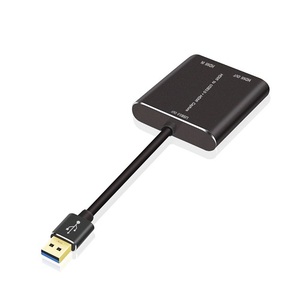
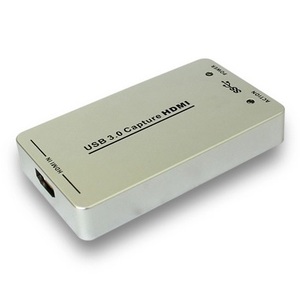
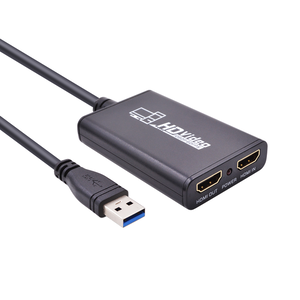
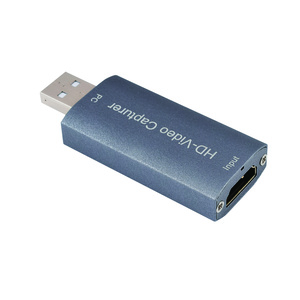
USB Video Capture Devices
Shop USB video capture devices at Aus Electronics Direct for converting compatible video sources into digital video on a computer. Whether you want to digitise footage from older analogue equipment, capture HDMI video, record content or support a streaming setup, choose a capture device that matches your source equipment and computer.
Find the Right USB Video Capture Device
RCA and S-Video to USB capture: Convert compatible analogue video sources, such as VCRs and other legacy equipment, into digital video for recording and editing on a computer.
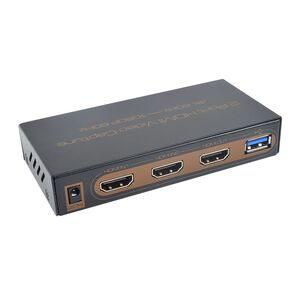
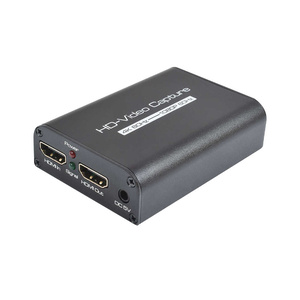
HDMI to USB capture devices: Capture video from compatible HDMI sources for recording, video production and live streaming. Check the supported input resolution, frame rate and audio capabilities before purchasing.
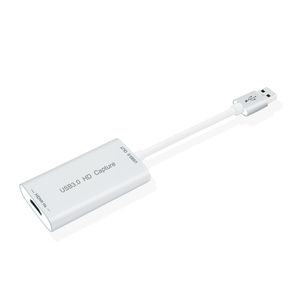
USB 2.0 and USB 3.0 capture devices: Choose a capture interface suited to your computer and the device's performance requirements. Supported resolutions and frame rates depend on the specific capture product and connection.
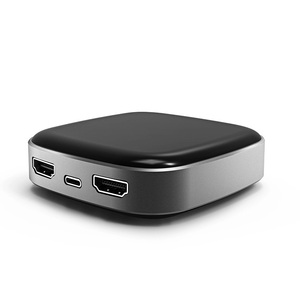
USB-C video capture: Explore compatible capture devices designed to connect to a USB-C port. Confirm the required USB capabilities, operating system support and video specifications.
What to Check Before Buying
Before choosing a USB video capture device, check the input connector on your video source, the USB connection required by your computer, supported video resolutions, audio input options and compatible recording software.
For digitising analogue footage, confirm that the device supports your source's video format. For streaming or recording HDMI content, review supported frame rates, audio handling and any HDMI compatibility restrictions.
Browse our USB video capture range to find a suitable solution for recording, converting and capturing video on compatible computers.