
-
Filter By Category
- Computer Adapters & Converters | IT Adapters (20)
- Display Port (7)
- Mini Display Port (13)
- HDMI Adapters - HDMI to USB, DVI, VGA & Display Port (12)
- HDMI to DVI (6)
- HDMI to Micro HDMI (1)
- HDMI to VGA (1)
- MHL to HDMI (1)
- Mini Display Port to HDMI (2)
- USB C to HDMI (1)
- HDMI Cables | 4K, 8K & High-Speed HDMI Leads (386)
- 4K HDMI Cables | HDMI 2.0 18Gbps & 4K 60Hz (19)
- 8K HDMI 2.1 Cables | 48Gbps, 8K 60Hz & 4K 120Hz (45)
- Amplified HDMI Cable | Active HDMI Signal Cable (21)
- DisplayPort Cable | DP Monitor & Display Cables (6)
- DVI Cable | DVI Monitor & Display Cables (32)
- Fibre Optic HDMI 2.1 Cables | 8K 60Hz (38)
- HDMI to DVI Cable | DVI to HDMI Cable (27)
- HDMI to Micro HDMI Cable | Micro HDMI Type D Cable (1)
- HDMI to Mini HDMI (20)
- HDMI to VGA Cable | HDMI to VGA Adapter & Converter (3)
- High Speed HDMI Cable with Ethernet (95)
- Hybrid Fibre Optic HDMI 2.0 AOC Cables (27)
- Mini DisplayPort Cable | Mini DP Monitor & Display Cable (13)
- Premium High Speed HDMI Cable with Ethernet | 4K 60Hz (39)
- HDMI Converters | HDMI to VGA, RCA & More (18)
- DisplayPort to HDMI Adapter & Converter (2)
- HDMI to DVI Converter | HDMI to DVI-D Adapter (6)
- HDMI to VGA Converter | HDMI VGA Adapter (3)
- Mini DisplayPort to HDMI Adapter & Cable (2)
- USB to HDMI Adapters & Converters (3)
- USB-C to HDMI Adapter & Converter | 4K HDMI (2)
- IT Cables & Computer Cables (58)
- Display Port (11)
- DVI Cables | DVI-D, DVI-I & Dual Link Cables (33)
- DVI to HDMI (4)
- Mini Display Port (1)
- VGA Cable (9)
- USB Cables, Hubs & Adapters (17)
- USB 3.1 Type C Converter (17)
-
Filter By Stock
- In Stock (137)
Filter By Brand
- Aus Electronics Direct (196)
- Playvision (2)
HDMI Cables, Leads & Cords
Popular Products



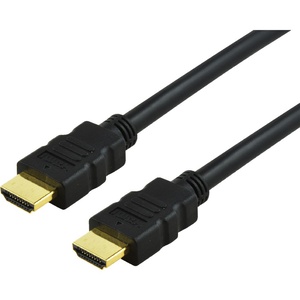
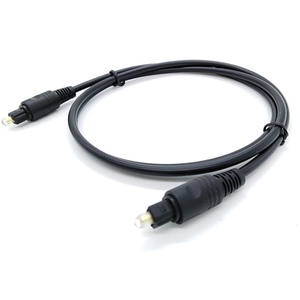
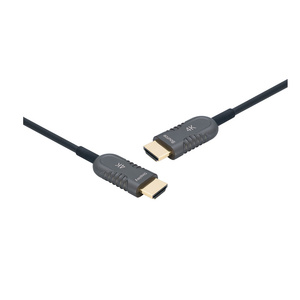
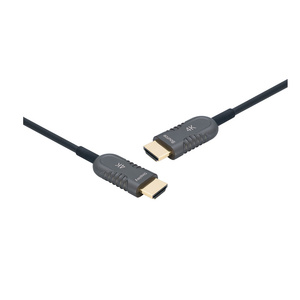




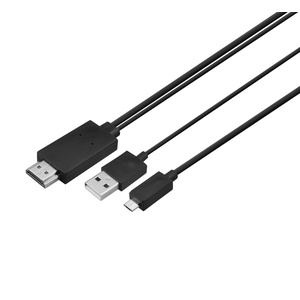

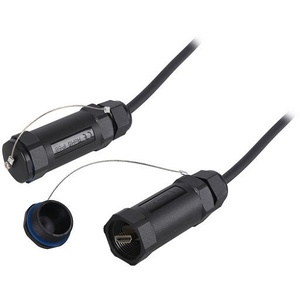
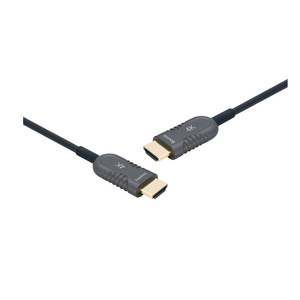
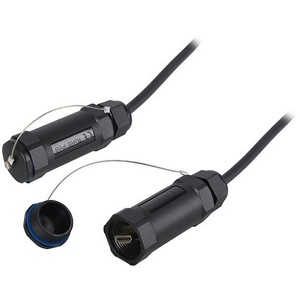


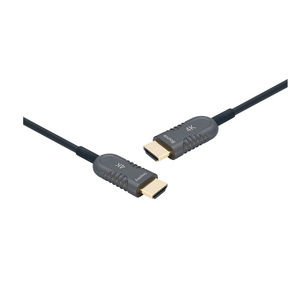
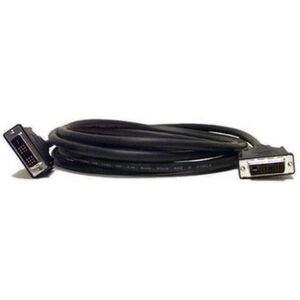


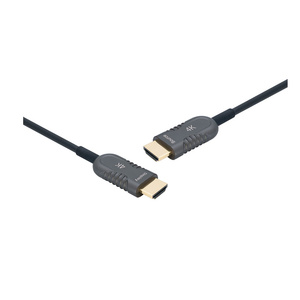
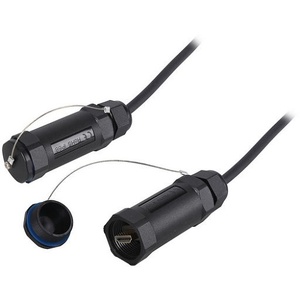











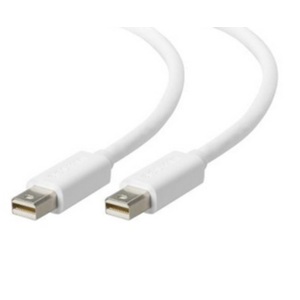


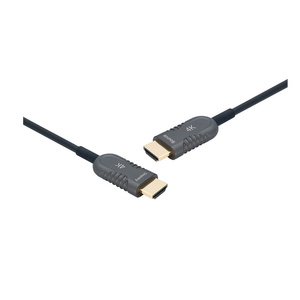


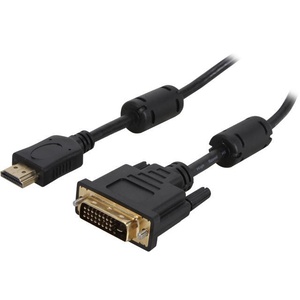

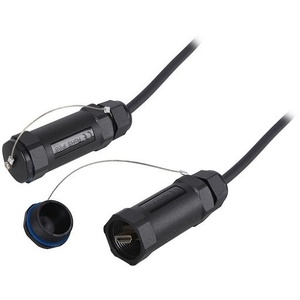

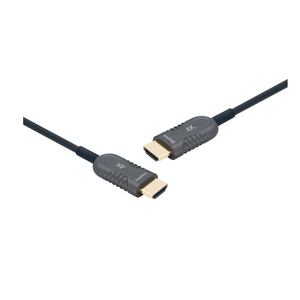


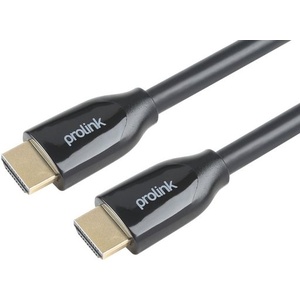



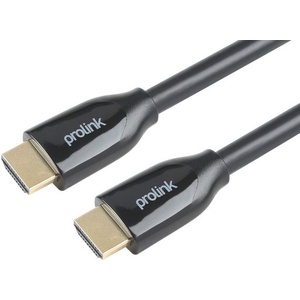


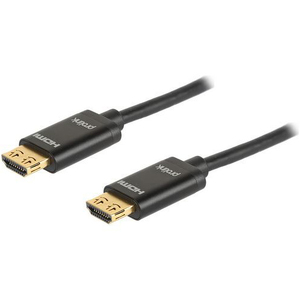


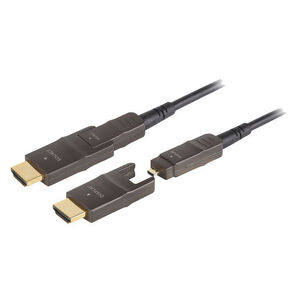


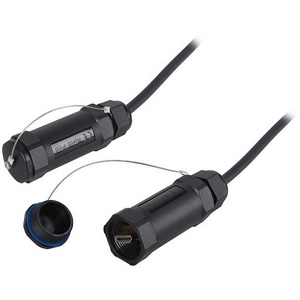

HDMI Cables, Leads & Cords
Shop HDMI cables at Aus Electronics Direct for connecting TVs, monitors, computers, gaming consoles, projectors and home theatre equipment. Our range includes standard HDMI leads, high-speed cables, 4K and 8K HDMI cables, slim cables, active HDMI cables and fibre-optic options in a variety of lengths.
Choose your HDMI cable based on the resolution and refresh rate supported by your devices, the distance between your equipment and the type of connection required. For everyday setups, a standard HDMI cable may be suitable, while higher-resolution displays and gaming systems may require a cable with greater bandwidth.
For longer cable runs, consider an active HDMI cable or an active optical fibre cable, checking the manufacturer's specifications for supported resolutions, refresh rates and installation requirements.
Browse our range of HDMI cables by performance, length and connector type to find a suitable lead for your setup. If you need a specific connection, explore our HDMI to Mini HDMI, Micro HDMI or DVI cable options.
Explore our range of HDMI cables:
-
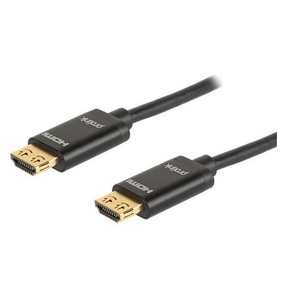
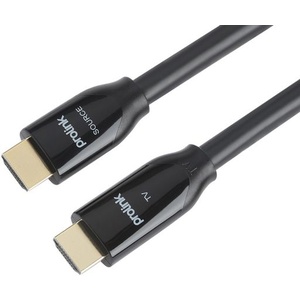
Standard HDMI Cables: High-speed HDMI leads for connecting televisions, computers, monitors and other HDMI-compatible equipment.
-
4K HDMI Cables: HDMI 2.0 cables supporting compatible Ultra HD 4K resolutions at up to 60Hz, with bandwidth up to 18Gbps.
-
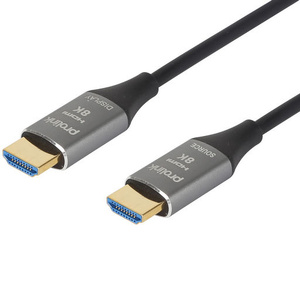
8K HDMI 2.1 Cables: Ultra High Speed HDMI cables supporting up to 48Gbps bandwidth, 8K at 60Hz and 4K at 120Hz on compatible equipment.
-
Active HDMI Cables: Amplified HDMI cables designed to support longer cable installations where standard passive cables may not provide reliable signal transmission.
-
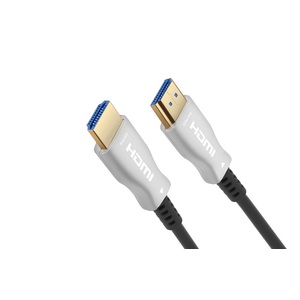
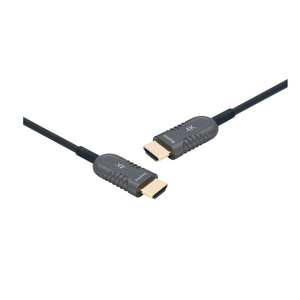
Fibre Optic HDMI Cables: Active optical HDMI cables suitable for long-distance connections between televisions, projectors, computers and audiovisual equipment.
-
Ultra-Slim HDMI Cables: Flexible, compact HDMI cables for installations where space is restricted or cable management is important.
-
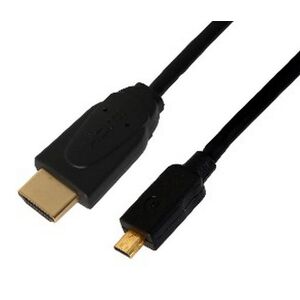
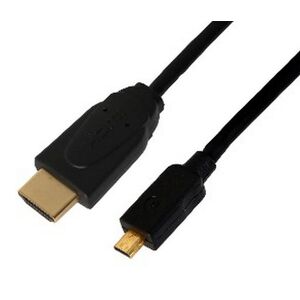
Mini HDMI and Micro HDMI Cables: Specialised HDMI connections for compatible cameras, tablets, portable devices and other electronics.
-
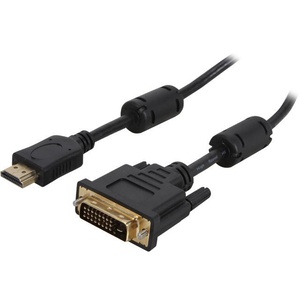
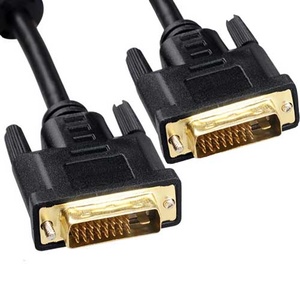
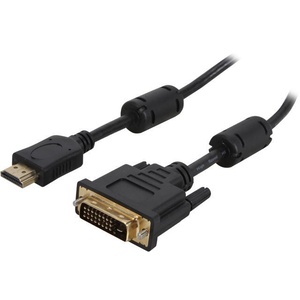
HDMI to DVI Cables: HDMI-to-DVI connections for linking compatible computers, monitors and display equipment.
Choose the Right HDMI Cable for Your Equipment
Selecting the correct HDMI cable depends on the resolution, refresh rate, bandwidth and features supported by your connected devices.
For standard Full HD applications, a suitable high-speed HDMI cable may be sufficient. For 4K televisions, gaming consoles and media players, consider a cable rated for the required 4K resolution and refresh rate.
For demanding gaming and home theatre applications, HDMI 2.1 cables offer higher bandwidth and support features such as 4K at 120Hz, 8K at 60Hz, HDR and eARC, provided the connected equipment supports those features.
Cable length is another important consideration. Short HDMI cables are generally suitable for connecting nearby devices, while longer installations may benefit from active HDMI or fibre optic HDMI technology.
When selecting an HDMI cable, consider:
-
Resolution: Full HD, 4K Ultra HD or 8K.
-
Refresh rate: 30Hz, 60Hz, 120Hz or higher where supported.
-
Bandwidth: 18Gbps for common HDMI 2.0 applications or up to 48Gbps for compatible Ultra High Speed HDMI 2.1 applications.
-
Cable length: Select the appropriate cable length for your installation.
-
Cable technology: Choose standard, active or fibre optic HDMI cables.
-
Connector type: Standard HDMI, Mini HDMI or Micro HDMI.
-
Additional features: Check support for HDR, ARC, eARC, Ethernet and other required functions.
Shop HDMI cables and leads at Aus Electronics Direct for a wide selection of high-speed HDMI connections, 4K and 8K cables, active optical fibre cables and specialist HDMI solutions.
Frequently Asked Questions – HDMI Cables
1. What is an HDMI cable and what is it used for?
An HDMI (High-Definition Multimedia Interface) cable transmits digital video and audio signals between compatible electronic devices. It is commonly used to connect televisions, computers, laptops, monitors, gaming consoles, projectors, Blu-ray players and home theatre systems.
2. What is the difference between HDMI 2.0 and HDMI 2.1 cables?
HDMI 2.0 supports bandwidth up to 18Gbps and is commonly used for 4K resolution at 60Hz. HDMI 2.1 supports significantly higher bandwidth, up to 48Gbps for Ultra High Speed HDMI cables, enabling applications such as 4K at 120Hz and 8K at 60Hz on compatible equipment.
3. What HDMI cable do I need for a 4K TV?
For a 4K television, choose an HDMI cable that supports the required resolution, refresh rate and features of your TV and connected device. An 18Gbps HDMI 2.0 cable is suitable for many 4K 60Hz applications, while a 48Gbps Ultra High Speed HDMI 2.1 cable is recommended for demanding 4K 120Hz applications.
4. What HDMI cable do I need for an 8K TV?
For compatible 8K televisions, choose an Ultra High Speed HDMI cable rated for up to 48Gbps bandwidth and supporting 8K at 60Hz. Check that your television and source device also support the required resolution and refresh rate.
5. What is an HDMI 2.1 cable?
An HDMI 2.1 cable is designed for high-bandwidth digital audio and video connections. Ultra High Speed HDMI cables support bandwidth up to 48Gbps and can support features including 8K 60Hz, 4K 120Hz, HDR and eARC, depending on the connected equipment.
6. What is the difference between a standard HDMI cable and a high-speed HDMI cable?
The main difference is the supported signal bandwidth and performance. High-speed HDMI cables are designed to support higher-bandwidth video and audio applications than standard HDMI cables. The correct cable depends on the resolution, refresh rate and features required by your devices.
7. What length HDMI cable should I buy?
The ideal HDMI cable length depends on the distance between your connected devices. Short cables of 1m to 3m are commonly used for televisions, gaming consoles and computers. Longer cables of 5m, 10m, 15m or more may be needed for projectors, conference rooms and commercial audiovisual installations.
8. How long can an HDMI cable be?
HDMI cable length depends on the cable design, bandwidth, resolution and installation conditions. Standard passive HDMI cables are generally more suitable for shorter connections. For longer distances, active HDMI cables and fibre optic HDMI cables can provide suitable alternatives. Always check the manufacturer's specified supported distance and video performance.
9. What is an active HDMI cable?
An active HDMI cable contains electronic circuitry designed to help maintain signal transmission over longer distances. It is useful for connecting televisions, projectors, computers and audiovisual equipment when a standard passive HDMI cable may not provide reliable performance.
10. What is a fibre optic HDMI cable?
A fibre optic HDMI cable uses optical fibre technology to transmit digital audio and video signals over longer distances. It is particularly useful for home theatre installations, commercial displays, conference rooms and projector installations where long cable runs are required.
11. What is the difference between an active HDMI cable and a fibre optic HDMI cable?
An active HDMI cable uses electronic signal-processing components to support longer cable runs, while an active optical HDMI cable converts electrical HDMI signals into optical signals for transmission through fibre. Fibre optic HDMI cables are particularly useful for long-distance installations requiring high-bandwidth performance.
12. Do HDMI cables support 4K at 120Hz?
Yes. Suitable Ultra High Speed HDMI cables rated for up to 48Gbps can support 4K at 120Hz when the connected source device and display also support this resolution and refresh rate.
13. Are HDMI cables backward compatible?
Yes. HDMI cables and devices are generally designed to support backward-compatible connections. However, the available resolution, refresh rate and additional features will be limited by the capabilities of the connected devices and cable.
14. What is the difference between Mini HDMI and Micro HDMI?
Mini HDMI (Type C) and Micro HDMI (Type D) are smaller connector formats used with certain portable electronics.
Mini HDMI is commonly found on cameras and other compact devices, while Micro HDMI is used on selected tablets, cameras and portable electronic equipment. Both can connect to a standard HDMI display using the appropriate cable.
15. What is an HDMI cable with Ethernet?
An HDMI cable with Ethernet supports an HDMI Ethernet Channel feature designed to allow compatible HDMI devices to share a network connection through the cable. Both connected devices must support this functionality for it to work.
16. Do HDMI cables support HDR?
Suitable HDMI cables can transmit HDR content when the cable has sufficient bandwidth and both connected devices support the relevant HDR format. For higher-bandwidth HDR applications, an appropriately rated Premium High Speed or Ultra High Speed HDMI cable may be required.
17. What is the difference between HDMI ARC and eARC?
ARC (Audio Return Channel) allows compatible televisions to send audio back to an AV receiver or soundbar through an HDMI connection. eARC (Enhanced Audio Return Channel) offers greater audio bandwidth and supports additional high-quality audio formats. Both connected devices and the selected HDMI cable must support the required functionality.
18. Are expensive HDMI cables better than cheaper HDMI cables?
Not necessarily. A suitable HDMI cable must meet the bandwidth and performance requirements of your equipment. For many standard connections, an affordable certified cable can work just as effectively as a more expensive cable. For demanding 4K 120Hz, 8K or long-distance installations, selecting the correct certified or manufacturer-rated cable is more important than price alone.