
-
Filter By Stock
- In Stock (18)
Filter By Brand
- Aus Electronics Direct (29)
Black Powerboards
Popular Products
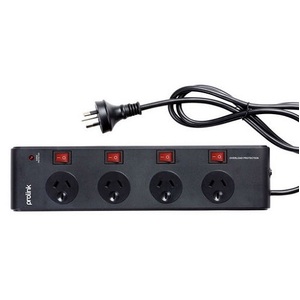
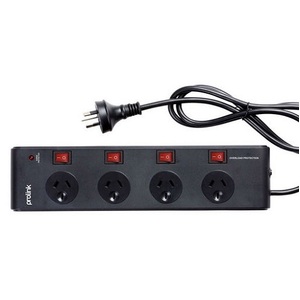
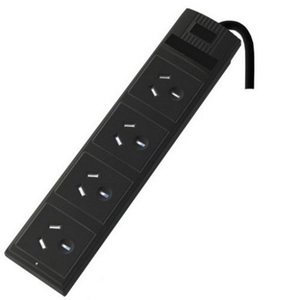
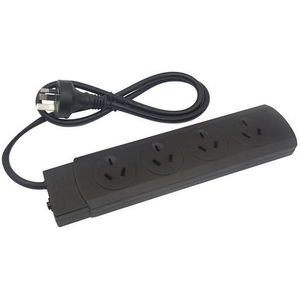
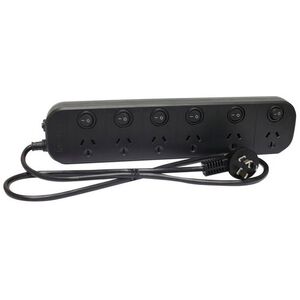
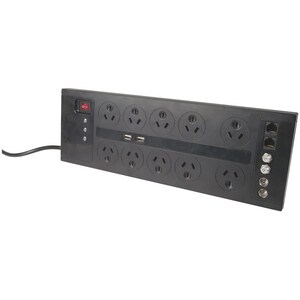
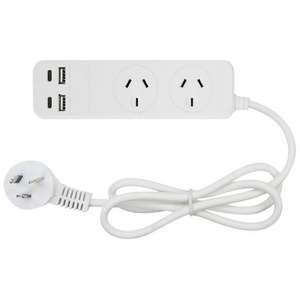
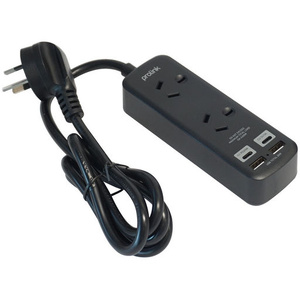
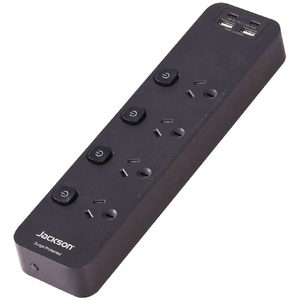
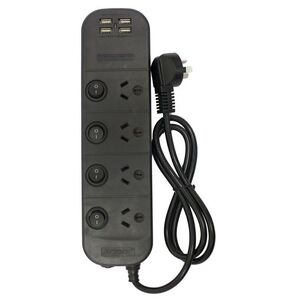
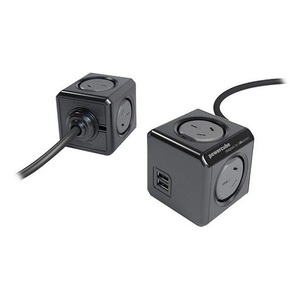
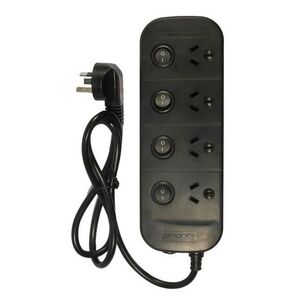
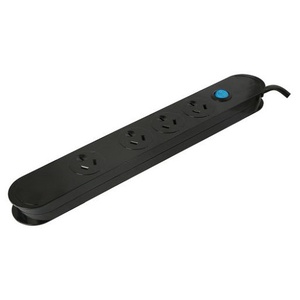
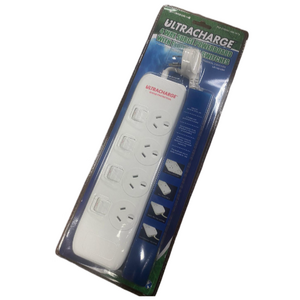
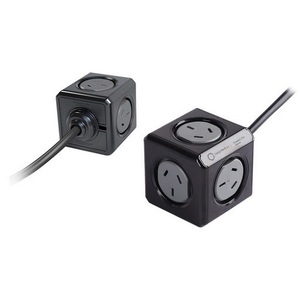
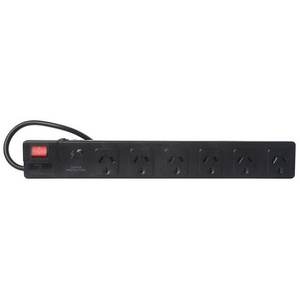
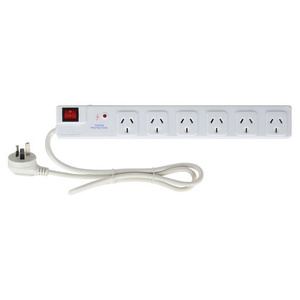
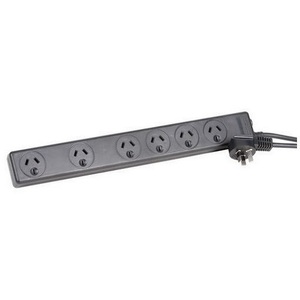
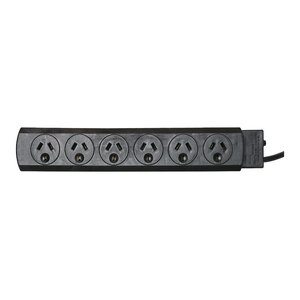
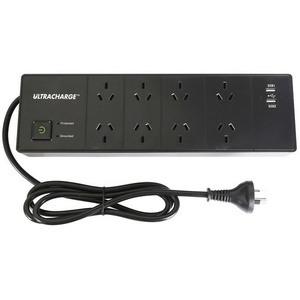
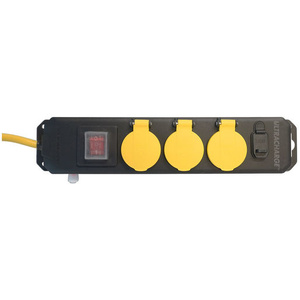
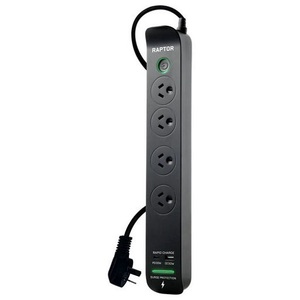
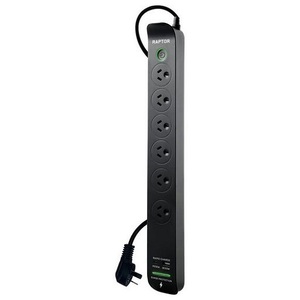
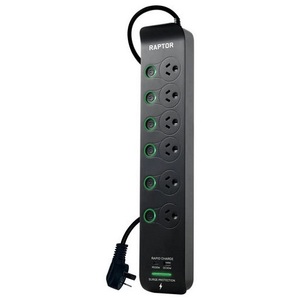
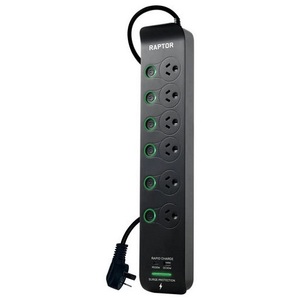
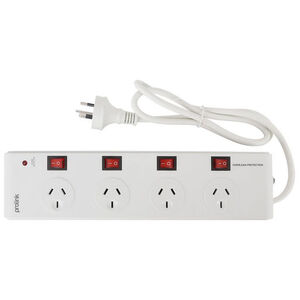
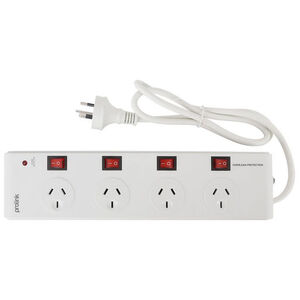
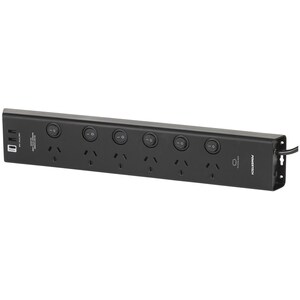
Black Powerboards Australia
Shop black powerboards in Australia for convenient power distribution in home, office, entertainment and other suitable applications. Choose from 4-way, 6-way and 8-way black powerboards with different outlet configurations and features to suit your setup.
Our range includes standard black mains powerboards, individually switched powerboards, surge-protected models and powerboards with USB-A and USB-C charging. Selected models also provide overload protection, master switches, individually controlled outlets and additional charging options.
A black powerboard can be a practical choice where you want multiple appliances or electronic devices connected to one mains power source while maintaining a coordinated appearance with other equipment and furnishings. Options are available for computers, televisions, entertainment systems, workstations, home offices and other compatible 240V appliances.
When choosing a black powerboard, consider the number of outlets, cable length, switching configuration, surge or overload protection, USB charging requirements and the total electrical load of the connected equipment. Check the individual product specifications for the rated voltage, current, protection features and intended application before purchasing.
Choose the black powerboard that best matches your outlet requirements and the equipment you need to connect.
How to Choose a Black Powerboard
When choosing a black powerboard, consider the number of outlets, switching options, cable length, charging requirements and electrical protection features required for your setup.
1. Choose the number of outlets
Select a 4-way, 6-way or 8-way powerboard based on the number of appliances and devices you need to connect.
2. Consider individual switches
An individually switched powerboard allows compatible outlets to be switched on or off separately, while a master-switch model can control the connected outlets together.
3. Check for surge and overload protection
If protection features are important for your application, check whether the specific powerboard includes surge protection, overload protection or another stated protection feature.
4. Consider USB and USB-C charging
Powerboards with integrated USB-A or USB-C ports can provide additional charging connections for compatible phones, tablets and other USB-powered devices.
5. Check the cable length
Choose a cable length that provides enough reach between the mains socket and the location of the powerboard without creating unnecessary excess cable.
6. Check the electrical rating
Always check the product's stated voltage, current rating and maximum load before connecting appliances. Do not exceed the manufacturer's specified limits.
7. Consider the intended location
Choose a powerboard appropriate for the environment in which it will be used and follow the manufacturer's installation and safety instructions.