
-
Filter By Stock
- In Stock (27)
Filter By Brand
- Aus Electronics Direct (37)
USB to HDMI Adapters & Converters
Popular Products
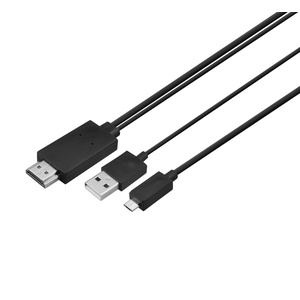
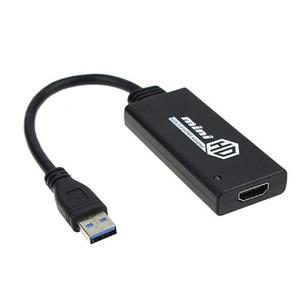
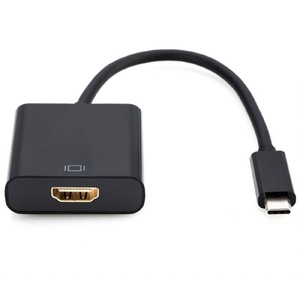
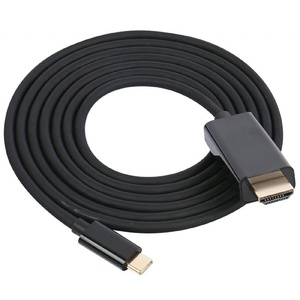
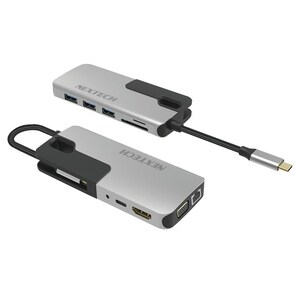
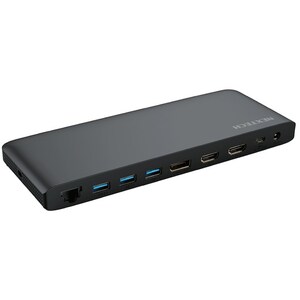
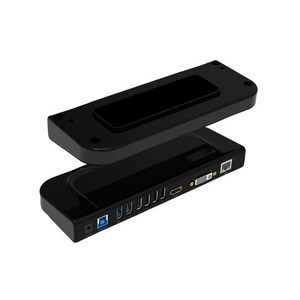
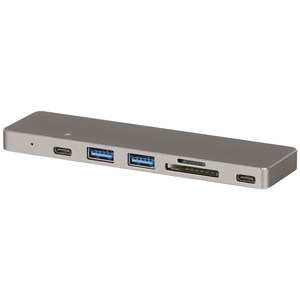
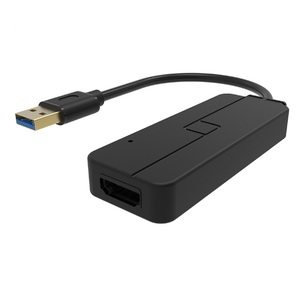
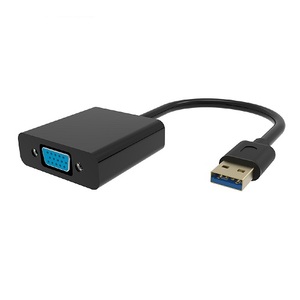
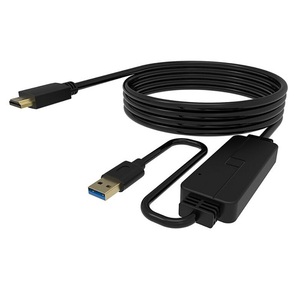
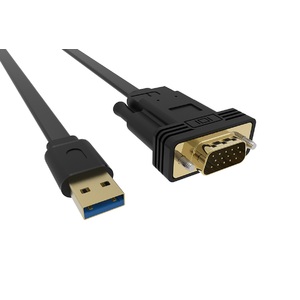
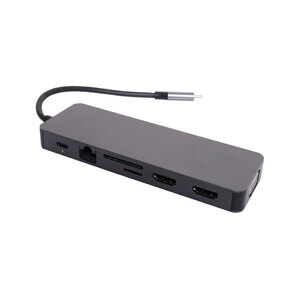
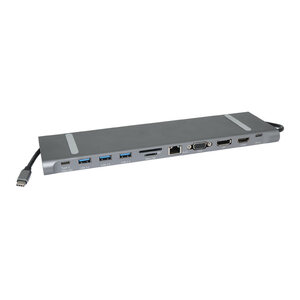
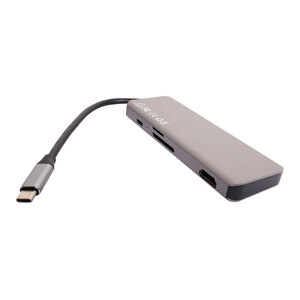
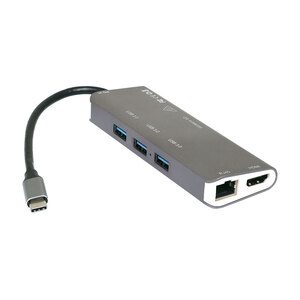
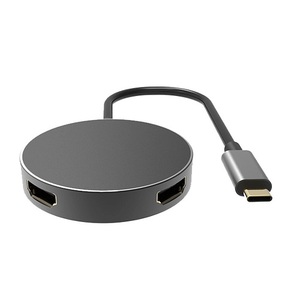
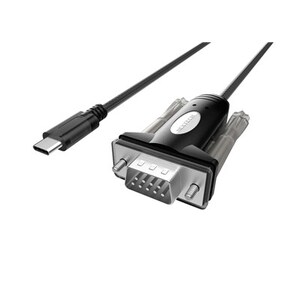
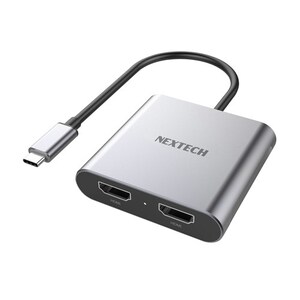
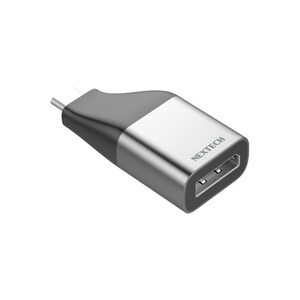
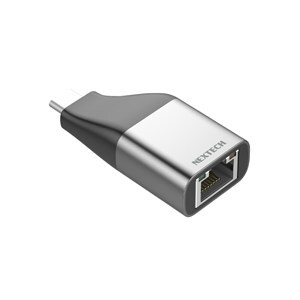
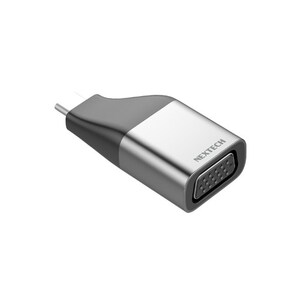
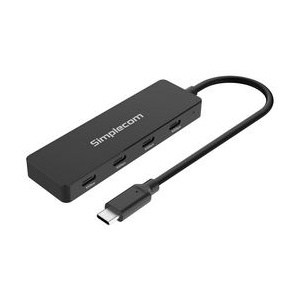
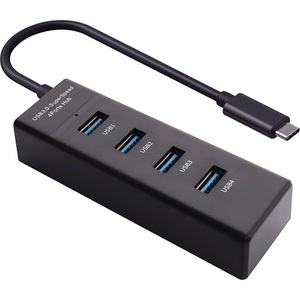
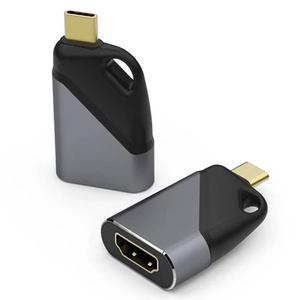
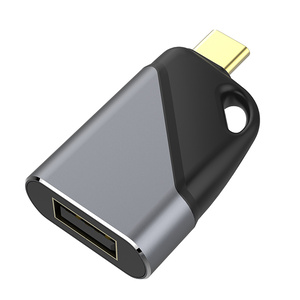
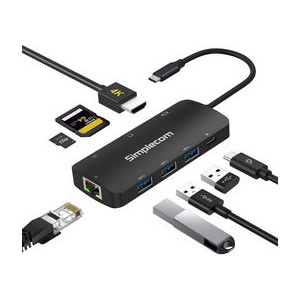
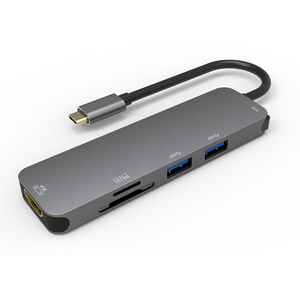
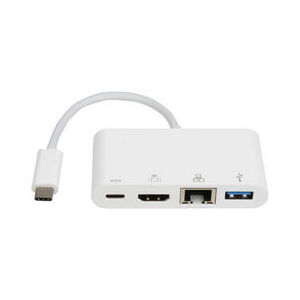
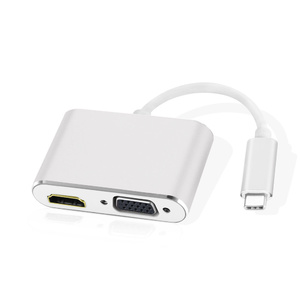
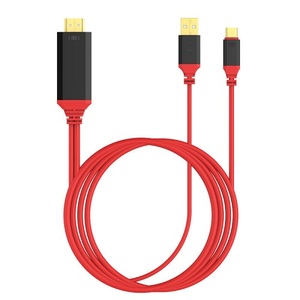
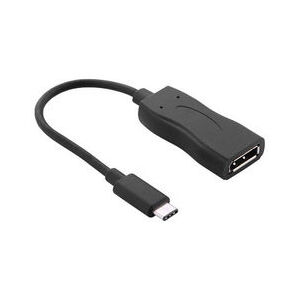
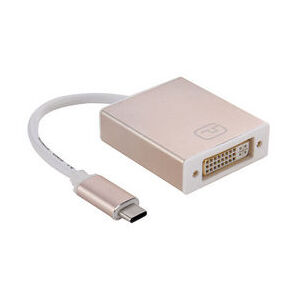
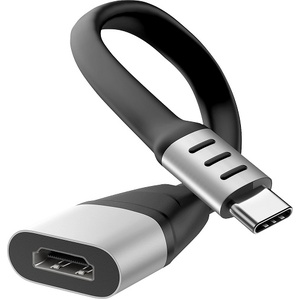
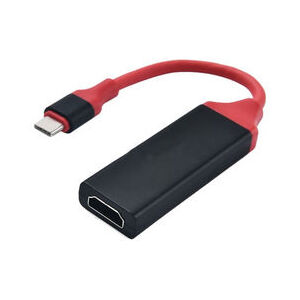
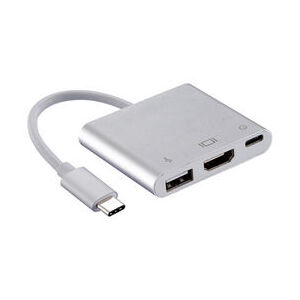
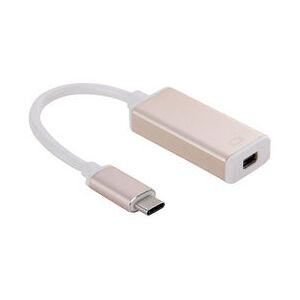
USB to HDMI Adapters and Converters
Connect your computer, laptop or compatible mobile device to an HDMI television, monitor or projector with a USB to HDMI adapter from Aus Electronics Direct. Our range includes USB 3.0 to HDMI converters, USB-C to HDMI adapters, MHL Micro USB to HDMI cables and USB display solutions for different devices and connectivity requirements.
A USB to HDMI adapter allows a compatible USB-equipped device to provide an HDMI video output for connecting to an external display. Depending on the adapter technology, you can mirror your computer screen or extend your desktop to an additional monitor. USB 3.0 display adapters commonly use an integrated graphics chipset and may require additional software drivers, while compatible USB-C adapters can transmit video directly through supported USB-C video output.
Choose from compact USB to HDMI adapters, direct converter cables and multiport USB-C hubs featuring HDMI connectivity. These products are useful for connecting compatible laptops and desktop computers to televisions, external monitors and projectors for work, presentations and entertainment.
When choosing a USB to HDMI converter, check the USB connector type, supported resolution, refresh rate, operating system compatibility and any driver requirements. Not all USB-C ports support video output, and Micro USB to HDMI adapters generally require MHL-compatible devices.
Explore our range of USB to HDMI adapters and converters at Aus Electronics Direct and find a suitable display connection for your setup.
FAQ
Frequently Asked Questions About USB to HDMI Adapters
1. What is a USB to HDMI adapter?
A USB to HDMI adapter is a device that allows a compatible computer, laptop or other source device to connect to an HDMI television, monitor or projector. It converts or processes video output from a USB connection into an HDMI-compatible signal. The technology used depends on the adapter type and the source device.
2. Can you connect USB to HDMI?
Yes. You can connect a USB-equipped computer or laptop to an HDMI display using a compatible USB to HDMI adapter. USB 3.0 adapters commonly use a graphics chipset and may require drivers, while USB-C adapters can provide native video output when the source device supports the required video standard.
3. What is the difference between USB 3.0 to HDMI and USB-C to HDMI?
USB 3.0 to HDMI adapters generally use USB graphics technology to provide an HDMI display output from a traditional USB-A port. USB-C to HDMI adapters can transmit video directly through compatible USB-C ports that support DisplayPort Alternate Mode or another suitable video output technology. The two adapter types are not automatically interchangeable.
4. Can I connect my laptop to a TV using a USB to HDMI adapter?
Yes. A compatible USB to HDMI adapter can connect a laptop to an HDMI television. Connect the adapter to the laptop's USB port, attach an HDMI cable to the TV and select the correct HDMI input. Check the adapter's driver and operating system requirements before purchasing.
5. Does a USB to HDMI adapter require drivers?
Some USB 3.0 to HDMI adapters require software drivers to operate correctly. This depends on the graphics chipset and adapter design. USB-C adapters that use native video output generally do not require additional display drivers when the computer supports the required video standard.
6. Can USB 3.0 support HDMI output?
Yes. A compatible USB 3.0 display adapter can convert USB data into an HDMI video output. The adapter uses an integrated graphics chipset to provide external display connectivity. Supported resolutions and refresh rates depend on the adapter model and computer specifications.
7. Can I use a USB to HDMI adapter for dual monitors?
Yes. Some USB display adapters, USB-C hubs and docking stations support multiple external monitors. However, the number of supported displays depends on the adapter, computer hardware, graphics capabilities and operating system. Check whether the product supports independent extended displays or screen mirroring.
8. Does a USB-C to HDMI adapter work with every laptop?
No. Although many modern laptops have USB-C ports, not every USB-C port supports video output. The laptop must support a compatible video transmission technology, such as DisplayPort Alternate Mode, for a standard USB-C to HDMI adapter to work. Always check the laptop manufacturer's specifications.
9. What resolution does a USB to HDMI converter support?
The maximum resolution depends on the adapter's chipset, USB interface and source device. Some USB 3.0 to HDMI adapters support Full HD 1920 x 1080, while selected USB-C adapters support 4K resolutions. Check the individual product specifications for maximum resolution and refresh rate.
10. Can I connect a Micro USB device to HDMI?
Yes, but the device must support MHL or another compatible video output technology, and the adapter must be suitable for that device. Not all Micro USB devices support MHL, so check device compatibility before purchasing a Micro USB to HDMI adapter.
11. What is the difference between USB to HDMI and HDMI to USB?
USB to HDMI adapters provide an HDMI display output from a compatible USB-equipped computer or device. HDMI to USB capture devices perform the opposite function by capturing an HDMI video signal and transferring it into a computer through USB. They are designed for different applications and cannot generally be used interchangeably.
12. What should I check before buying a USB to HDMI adapter?
Before purchasing, consider:
-
USB connector type: USB-A, USB 3.0, USB-C or Micro USB.
-
HDMI output compatibility.
-
Maximum supported resolution and refresh rate.
-
Computer and operating system compatibility.
-
Whether software drivers are required.
-
Support for extended displays or screen mirroring.
-
Cable length and external power requirements.
-
Compatibility with the intended monitor, television or projector.
Choosing the correct adapter will help ensure compatibility with your computer and HDMI display.