
Filter By Item Condition
- New: Brand new, unused, unopened, and in its original retail packaging
-
Filter By Category
- HDMI Extenders | Wired & Wireless 4K (33)
- HDBaseT HDMI Extenders | 4K 18Gbps & Long Distance (9)
- HDMI over Cat5e & Cat6 Extenders | 4K & 1080p (24)
- HDMI Matrix Switchers (8)
- HDMI Matrix HDBaseT Extender (8)
- HDMI Splitters | 4K, 8K & Multi-Display (15)
- 8K HDMI Splitter | HDMI 2.1 Splitters (3)
- HDMI 1.4 Splitter | 1080p & 4K 30Hz HDMI Splitters (2)
- HDMI 2.0 Splitter | 4K 60Hz 18Gbps Splitters (10)
- HDMI Switches | 4K, 8K & HDMI 2.1 Switchers (28)
- 4K HDMI 2.0 Switch | 4K HDMI Switcher & Selector (2)
- HDMI Matrix Switch | 4K/8K HDMI Matrix Switcher (26)
-
Filter By Stock
- In Stock (40)
Filter By Brand
- Aus Electronics Direct (52)
- Playvision (24)
HDMI Splitter
Popular Products
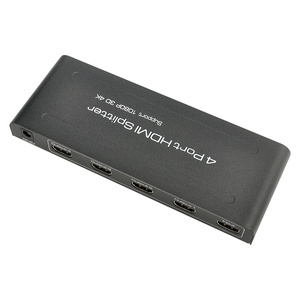
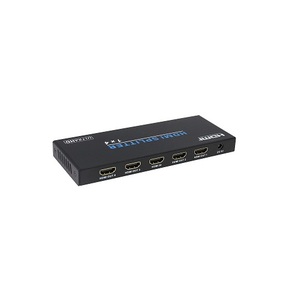
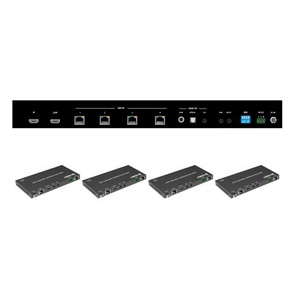
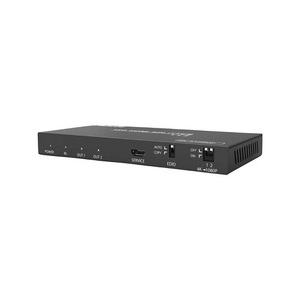
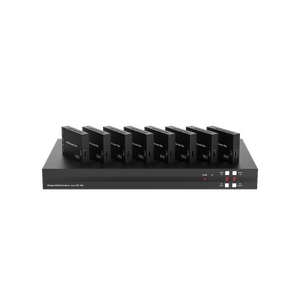
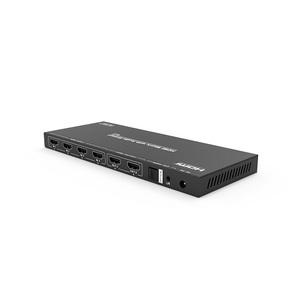
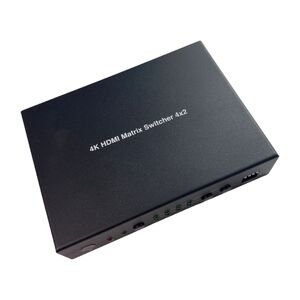
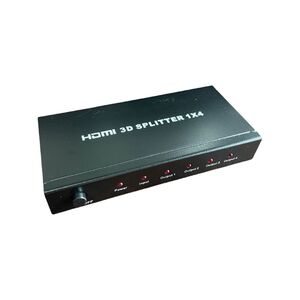
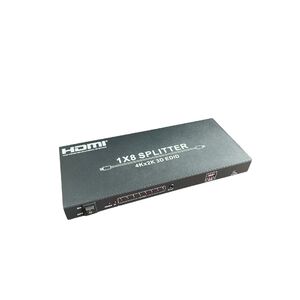
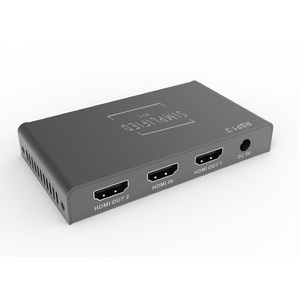
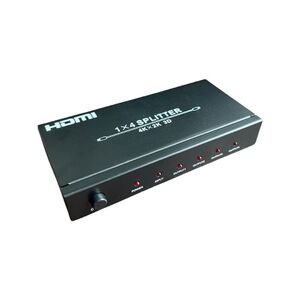
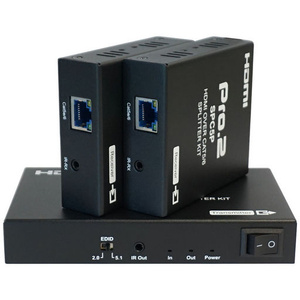
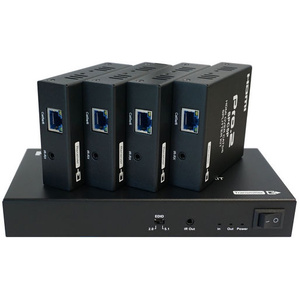
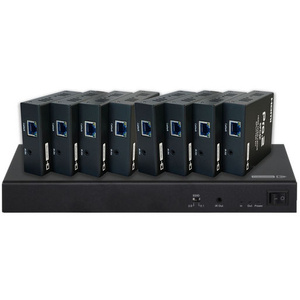
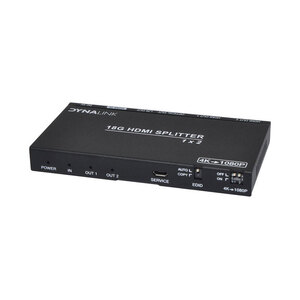
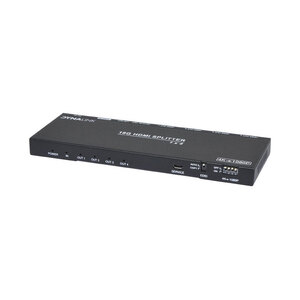
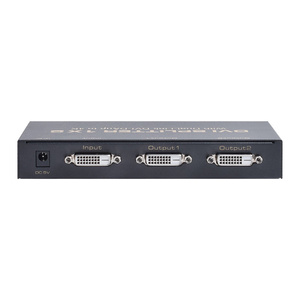
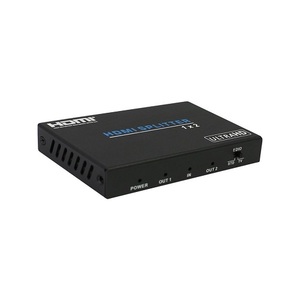
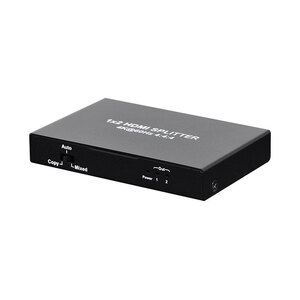
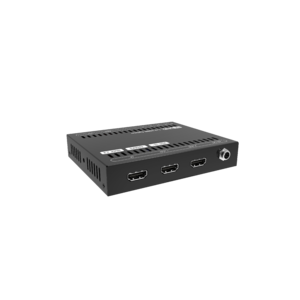
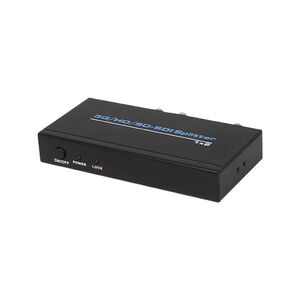
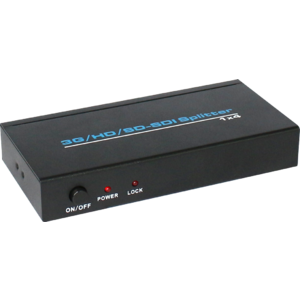
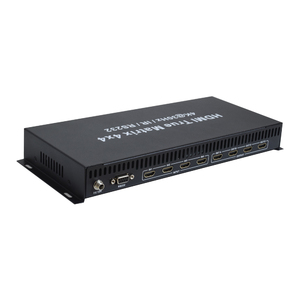
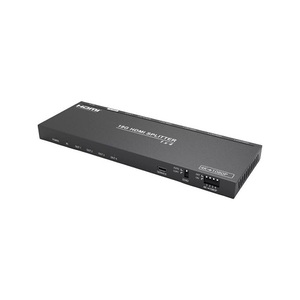
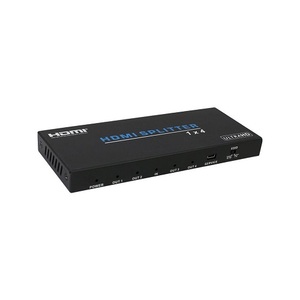
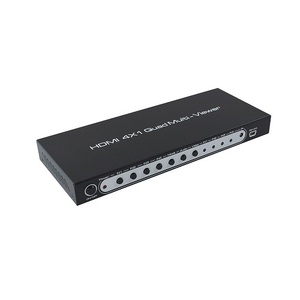
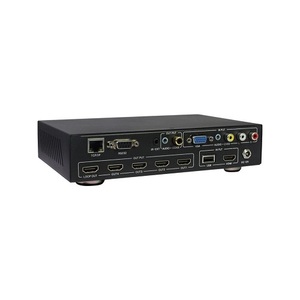
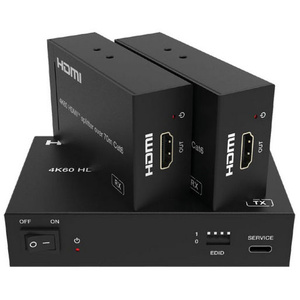
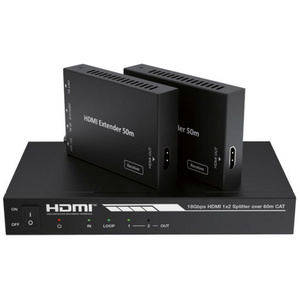
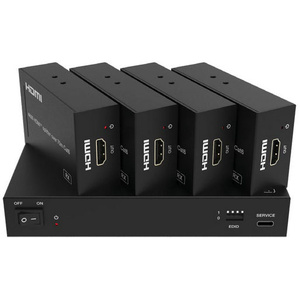
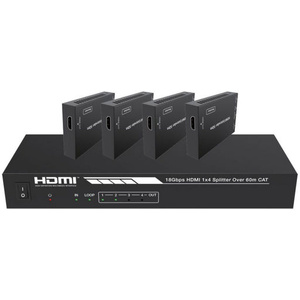
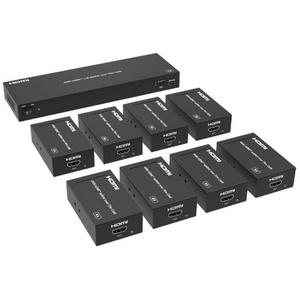
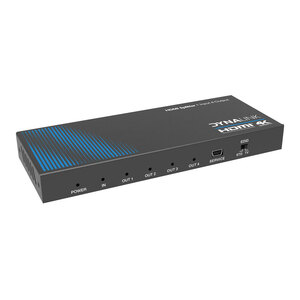
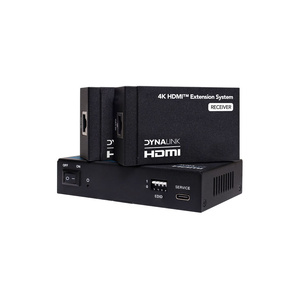
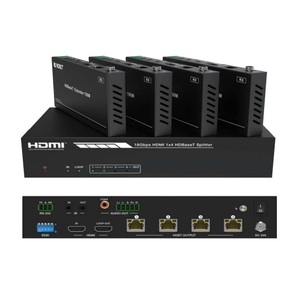
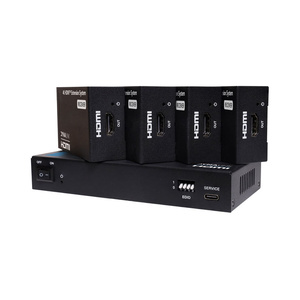
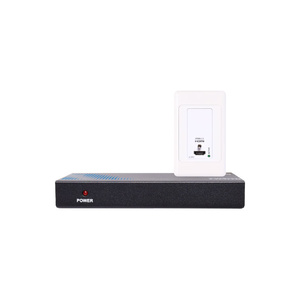
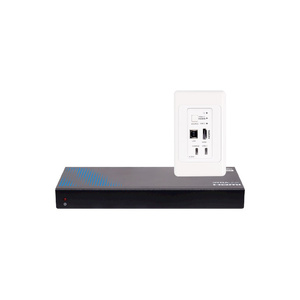
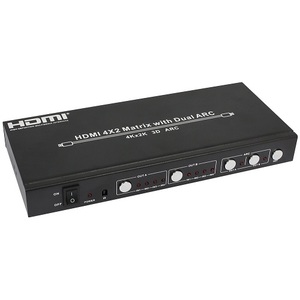
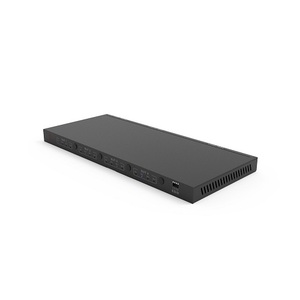
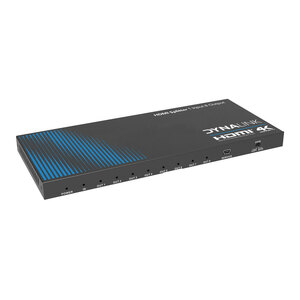
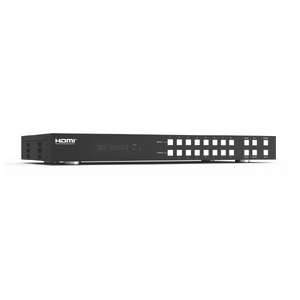
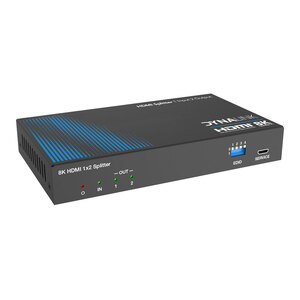
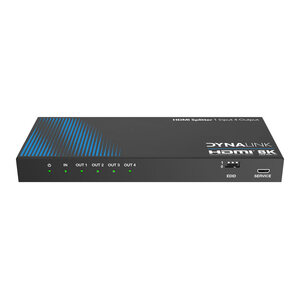
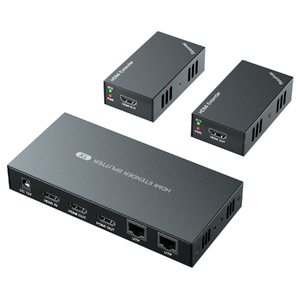
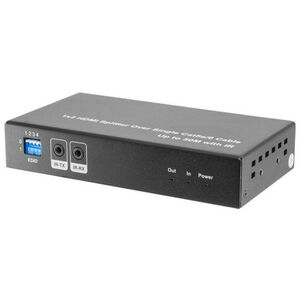
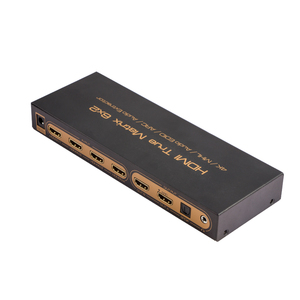
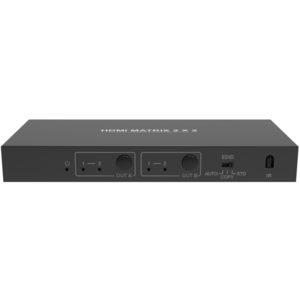
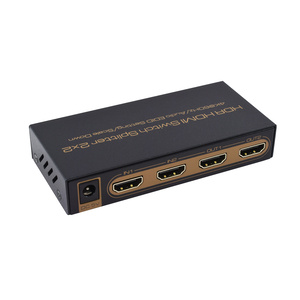
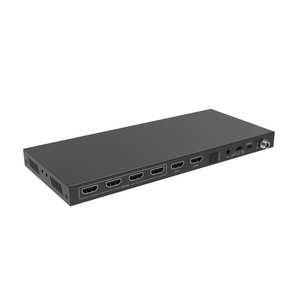
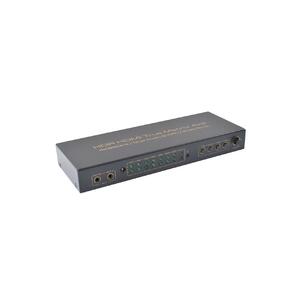
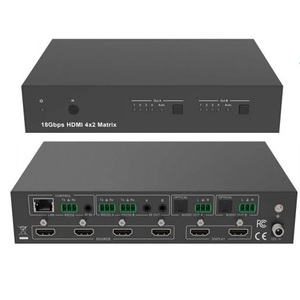
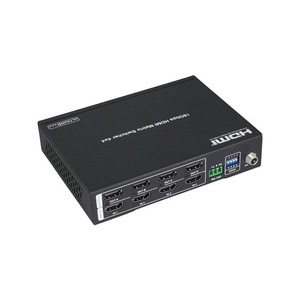
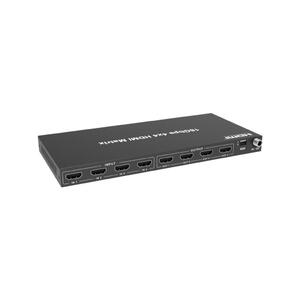
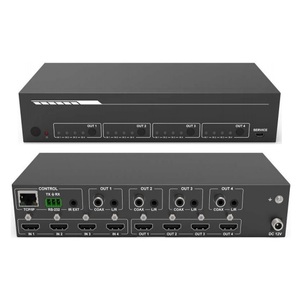
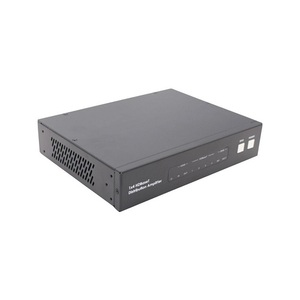
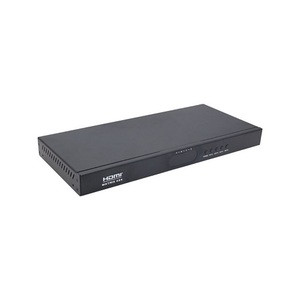
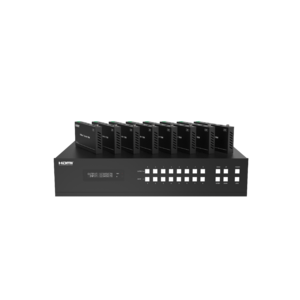
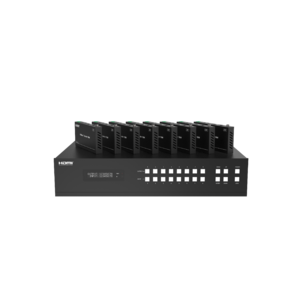
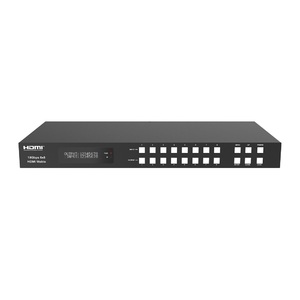
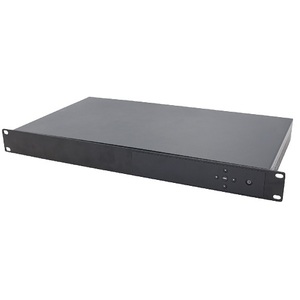
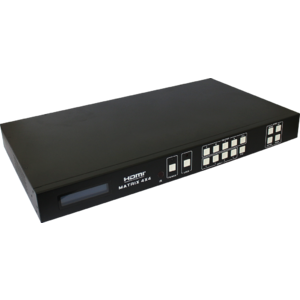
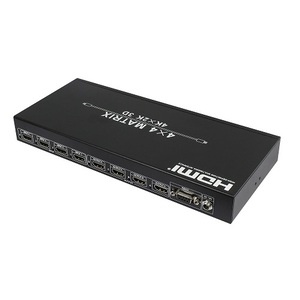
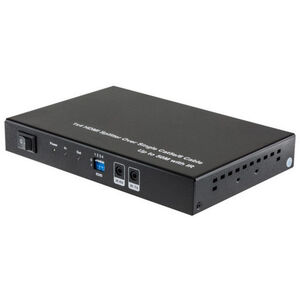
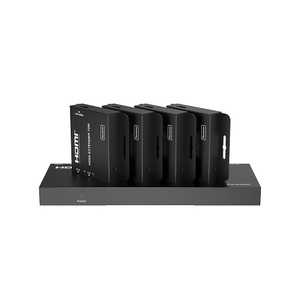
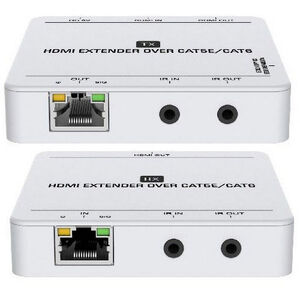
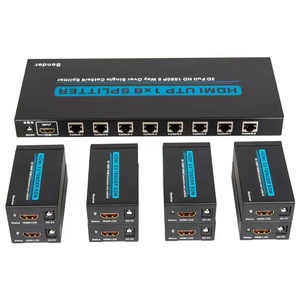
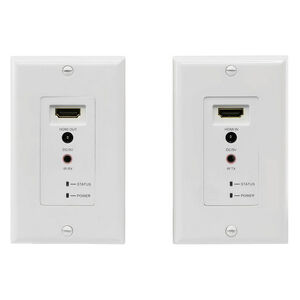
HDMI Splitters
Shop HDMI splitters at Aus Electronics Direct to distribute a single HDMI audio and video source to multiple compatible displays. Our range includes 1-in-2, 1-in-4 and 1-in-8 HDMI splitters, along with 4K and 8K models, downscalers, audio extraction options and specialist multi-display distribution equipment.
An HDMI splitter is useful when you want the same content displayed on several televisions, monitors or projectors from one source device, such as a computer, gaming console, set-top box or media player.
Choose the Right HDMI Splitter
2-Way HDMI Splitters
A 1-in-2-out HDMI splitter sends one source signal to two compatible displays. This can suit home entertainment setups, meeting rooms and simple AV installations.
4-Way and 8-Way HDMI Splitters
For installations with more displays, a 1-in-4-out or 1-in-8-out splitter distributes the source signal to four or eight outputs, respectively. Check the supported output count and whether the installation requires additional receivers or cabling.
4K and 8K HDMI Splitters
Choose a splitter that supports the resolution, refresh rate and bandwidth required by your source and displays. Depending on the model, relevant specifications may include HDR formats, HDCP compatibility, chroma format and HDMI version.
HDMI Splitters with Downscaling
Some splitters support output downscaling to help connect displays with different supported resolutions. Check the product specifications to understand how mixed-resolution displays are handled and whether downscaling is available on each output.
HDMI Splitters with Audio Extraction
Some models provide a separate audio output in addition to HDMI video distribution. These may be useful when connecting a display and a separate audio system, provided the required audio formats and connections are supported.
What to Consider Before Buying
- Number of displays: Choose the required number of outputs.
- Resolution and refresh rate: Confirm support for the exact video mode you need.
- HDMI bandwidth and HDCP: Check compatibility with your source, content and displays.
- Mixed-resolution displays: Consider whether downscaling or EDID management is required.
- Audio requirements: Confirm support for the audio formats and outputs you intend to use.
- Cable length: For longer installations, check whether an HDMI extender or distribution system is more suitable.
An HDMI splitter mirrors a source across multiple displays; it does not normally allow each screen to show a different desktop or independent source. If you need to select different sources for different displays, consider an appropriate HDMI matrix switcher instead.