
Filter By Item Condition
- New: Brand new, unused, unopened, and in its original retail packaging
-
Filter By Category
- HDMI Switches | 4K, 8K & HDMI 2.1 Switchers (9)
- 4K HDMI 2.0 Switch | 4K HDMI Switcher & Selector (1)
- HDMI Matrix Switch | 4K/8K HDMI Matrix Switcher (8)
-
Filter By Stock
- In Stock (14)
Filter By Brand
- Aus Electronics Direct (13)
- Blustream (3)
- Playvision (6)
HDMI Audio Extractor
Popular Products
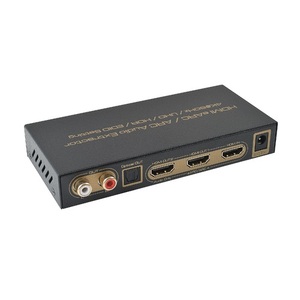
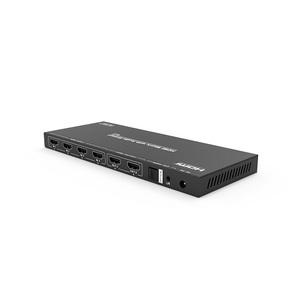
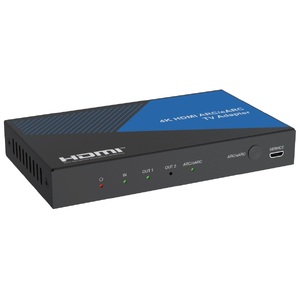
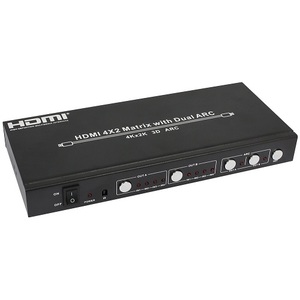
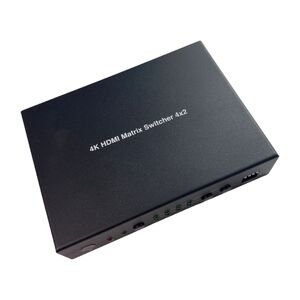
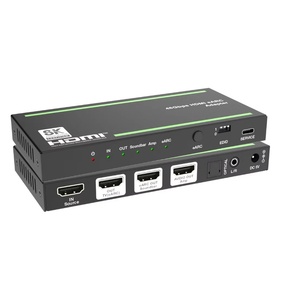
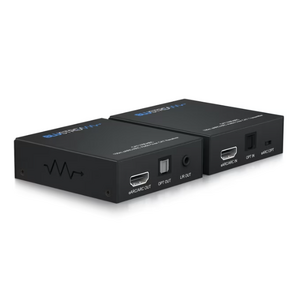
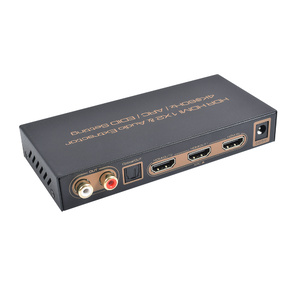
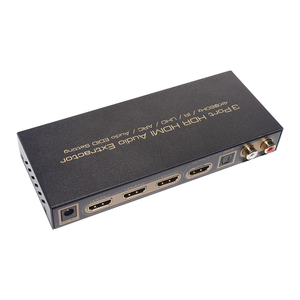
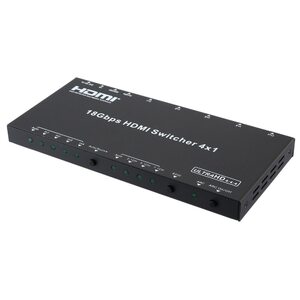
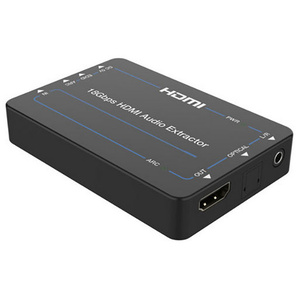
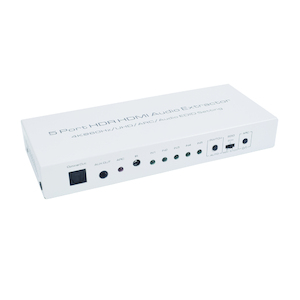
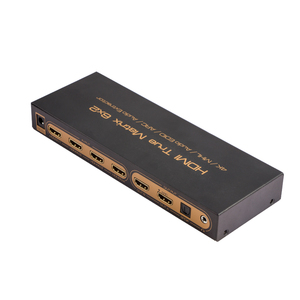
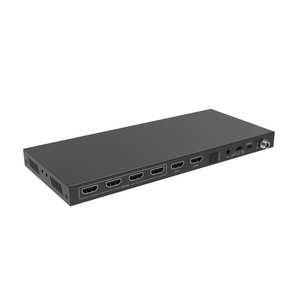
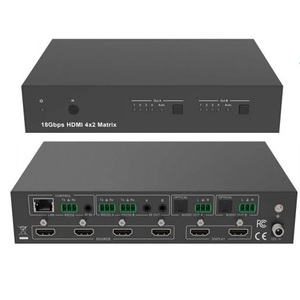
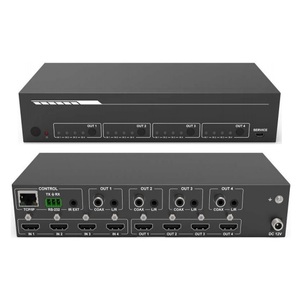
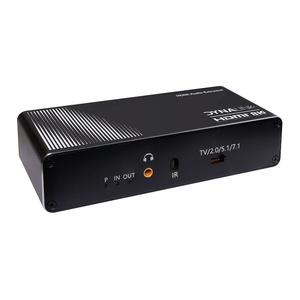
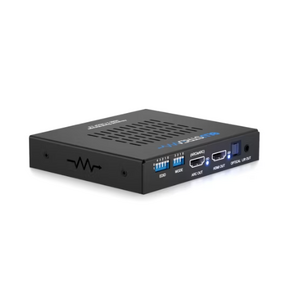
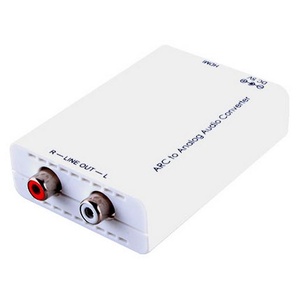
HDMI Audio Extractor
HDMI Audio Extractors
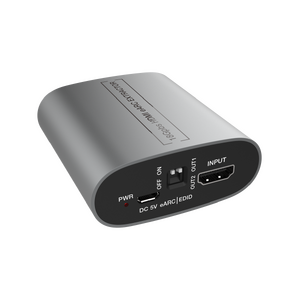
Shop HDMI audio extractors at Aus Electronics Direct to separate audio from compatible HDMI sources and connect it to an amplifier, AV receiver, soundbar or external speakers. Depending on the model, audio can be output through optical S/PDIF, analogue RCA, 3.5mm audio or a dedicated HDMI audio output.
Whether you need to connect a media player to an older amplifier, extract audio from a TV or integrate HDMI equipment into a home theatre system, choosing the right extractor depends on your source device, audio equipment and supported audio formats.
Choose the Right HDMI Audio Extractor
HDMI Audio Extractors with Optical or RCA Outputs
Choose a suitable extractor when your HDMI source needs to supply audio to an amplifier or audio system without a compatible HDMI audio input. Check whether the model provides optical digital audio, analogue stereo RCA, 3.5mm audio or other required outputs.
HDMI ARC and eARC Audio Extractors
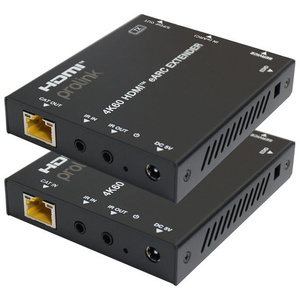
ARC and eARC-compatible devices can extract audio from a compatible TV and route it to supported external audio equipment. Check your TV's HDMI ARC/eARC port, the required audio output and whether your soundbar or receiver supports the desired audio formats.
4K and 8K HDMI Audio Extractors
For modern video equipment, check the supported HDMI bandwidth, resolution, refresh rate, HDR formats and HDCP compatibility. The extractor must support the video and audio formats required by your complete setup.
How to Choose an HDMI Audio Extractor
Before purchasing, check the HDMI input and output connections, required audio outputs, supported surround-sound formats and power requirements. If you use a soundbar or AV receiver, confirm whether you need HDMI ARC/eARC, optical audio or an analogue connection.
Also check whether the device supports audio extraction from an HDMI source, audio return from a TV, or both. These functions are not interchangeable across all models.
Browse our HDMI audio extractor range to find a solution that matches your television, source devices and audio equipment.