
-
Filter By Stock
- In Stock (1)
Filter By Brand
- Aus Electronics Direct (8)
HDMI HDBaseT Matrix Extenders
Popular Products
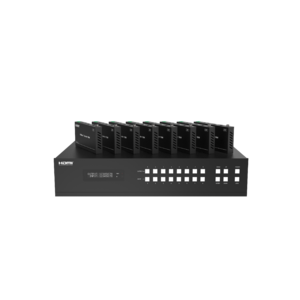
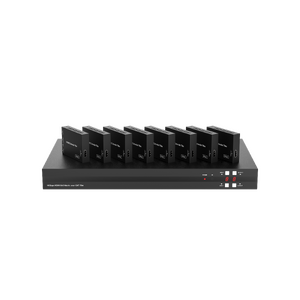
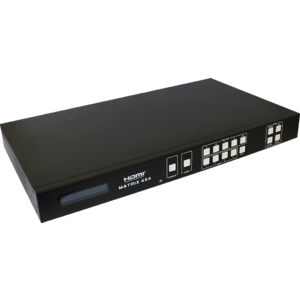
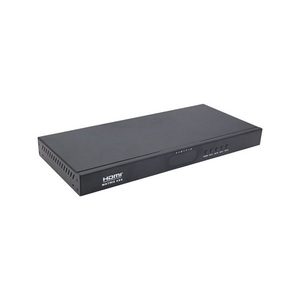
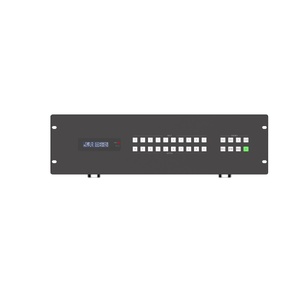
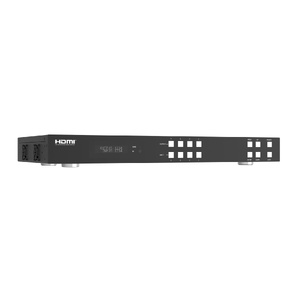
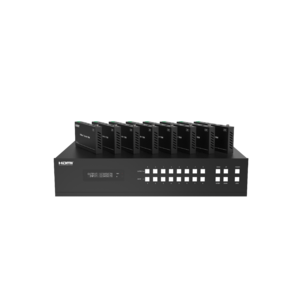
HDMI HDBaseT Matrix Extenders
Shop HDMI HDBaseT matrix extenders at Aus Electronics Direct, designed for distributing high-definition video and audio signals across multiple displays. These advanced HDMI matrix switchers combine multiple HDMI inputs and outputs with HDBaseT extension technology, making them suitable for home entertainment systems, conference rooms, commercial AV installations and digital signage applications.
HDBaseT technology allows HDMI signals to be transmitted over compatible Cat5e or Cat6 network cables, helping extend transmission distances beyond the limitations of standard HDMI cables. Depending on the model and installation requirements, HDBaseT systems can support 4K video transmission, audio, Ethernet, power and control signals over a single cable.
Explore our range of HDMI 2.0 HDBaseT matrix switchers, including 4x4, 8x8 and larger configurations. Whether you need to distribute one or more HDMI sources to multiple screens, our HDMI matrix solutions provide flexible signal routing for professional AV and multi-display environments.
What Is an HDMI HDBaseT Matrix Extender?
An HDMI HDBaseT matrix extender is a video distribution solution that combines HDMI matrix switching with HDBaseT transmission technology. It allows multiple HDMI source devices to be connected to multiple displays while extending audio and video signals over compatible Cat5e or Cat6 network cables.
What Does an HDMI Matrix Switcher Do?
An HDMI matrix switcher allows users to connect multiple HDMI source devices, such as Blu-ray players, computers, gaming consoles and media players, to multiple display devices, including TVs, monitors and projectors.
Unlike a standard HDMI splitter, which distributes the same signal to several displays, a matrix switcher provides flexible routing. This means users can select which HDMI source is displayed on each connected screen. For example, one TV can display content from a media player while another displays content from a computer.
HDMI matrix switchers are commonly used in home entertainment systems, conference rooms, commercial AV installations and digital signage environments.
How Does HDBaseT Technology Extend HDMI Signals?
HDBaseT is a transmission technology that allows high-definition audio and video signals to travel over standard network cabling, such as Cat5e or Cat6 Ethernet cable.
Instead of relying on long HDMI cables, HDBaseT systems transmit signals over compatible twisted-pair cabling between a transmitter and receiver. Depending on the equipment, HDBaseT can also carry additional signals, including Ethernet, USB, power and control signals.
Many HDBaseT systems support 4K video transmission over distances of up to 70 metres or more, depending on the HDBaseT version, cable type, resolution and installation conditions.
This makes HDBaseT a practical solution for installations where displays are located far from the central AV equipment.
What Is the Difference Between HDMI Switching and Matrix Switching?
HDMI switching and HDMI matrix switching both allow users to select between multiple HDMI source devices, but they differ in their output capabilities.
-
HDMI switching: A standard HDMI switch allows multiple source devices to connect to one display. Users select which source appears on the screen.
-
HDMI matrix switching: An HDMI matrix switcher allows multiple input sources to be routed independently to multiple output displays. Different screens can show different sources simultaneously, depending on the model.
For example, a 4x4 HDMI matrix switcher can connect four HDMI source devices to four displays, allowing users to select the desired source for each output.
How Can Multiple HDMI Sources Connect to Multiple Displays?
An HDMI HDBaseT matrix system provides a centralised way to distribute video and audio from several source devices to multiple displays.
The system typically works as follows:
-
Connect HDMI sources: Connect devices such as computers, media players, satellite receivers or Blu-ray players to the HDMI matrix switcher's input ports.
-
Route the signals: Use the matrix switcher to select which HDMI input is sent to each output.
-
Transmit signals over network cable: The HDBaseT outputs transmit the selected signals over compatible Cat5e or Cat6 cabling.
-
Connect HDBaseT receivers: Install compatible receivers near the remote TVs, monitors or projectors.
-
Display the content: Connect each receiver to its display using a short HDMI cable.
This setup allows multiple displays to receive different content from centrally located source equipment without requiring long HDMI cable runs.
Why Is HDBaseT Useful for Longer Cable Installations?
HDBaseT is particularly useful for installations where HDMI sources and displays are separated by significant distances. Standard HDMI cables can become impractical over longer runs due to signal degradation and cable limitations.
Key advantages include:
-
Extended transmission distances: Transmit compatible HDMI signals over longer distances using Cat5e or Cat6 cabling.
-
Simplified cabling: Use a single network cable for multiple signal types when supported by the equipment.
-
Centralised equipment management: Keep source devices together in an equipment rack or central location.
-
Flexible display placement: Install TVs, projectors and monitors in different rooms or areas.
-
Commercial AV applications: Suitable for conference rooms, classrooms, hotels, retail displays and digital signage systems.
When selecting an HDBaseT matrix extender, always check the supported resolution, bandwidth, cable category, maximum transmission distance and receiver compatibility to ensure reliable performance.
FAQ
1. What is an HDMI HDBaseT matrix extender?
An HDMI HDBaseT matrix extender is a video distribution solution that combines HDMI matrix switching with HDBaseT transmission technology. It allows multiple HDMI sources to be routed to multiple displays while extending signals over compatible Cat5e or Cat6 network cables.
2. What is the difference between an HDMI matrix switcher and an HDMI splitter?
An HDMI matrix switcher allows multiple HDMI input sources to be independently routed to multiple output displays. An HDMI splitter duplicates one HDMI source to multiple displays, generally showing the same content on each connected screen.
3. How far can an HDMI HDBaseT matrix extender transmit a signal?
Transmission distance depends on the equipment, HDBaseT version, cable category and installation conditions. Some HDBaseT systems support transmission distances of up to 70 metres or more. Always check the manufacturer's specifications for the supported resolution and maximum distance.
4. Does an HDMI HDBaseT matrix switcher support 4K resolution?
Many HDMI 2.0 HDBaseT matrix switchers support 4K video transmission. However, supported resolutions, refresh rates, colour formats and bandwidth depend on the specific model.
5. Can an HDMI matrix switcher connect multiple TVs?
Yes. An HDMI matrix switcher can distribute signals from multiple source devices to multiple TVs, monitors or projectors. Different outputs may display different sources, depending on the matrix switcher's routing capabilities.
6. What type of cable is required for an HDBaseT matrix extender?
HDBaseT matrix extenders typically use compatible Cat5e or Cat6 network cabling. The recommended cable type and maximum transmission distance depend on the equipment specifications.
7. Can HDBaseT transmit audio as well as video?
Yes. HDBaseT technology can transmit digital video and audio over compatible network cabling. Some equipment also supports Ethernet, power and control signals, depending on the model.
8. What is the difference between a 4x4, 8x8 and 16x16 HDMI matrix switcher?
The numbers indicate the number of inputs and outputs. A 4x4 matrix has four inputs and four outputs, an 8x8 has eight inputs and eight outputs, and a 16x16 has sixteen inputs and sixteen outputs.
9. Do HDMI HDBaseT matrix extenders require separate receivers?
Some systems require compatible HDBaseT receivers at the display end, while other configurations may have different receiver arrangements. Always check whether the required transmitters and receivers are included with the selected product.
10. Are HDMI HDBaseT matrix switchers suitable for commercial AV installations?
Yes. They are commonly used in commercial AV environments where multiple HDMI sources need to be distributed to several displays over longer cable distances, including conference rooms, hotels, retail environments and digital signage installations.
8. Internal Linking Recommendations
Add contextual internal links to related Aus Electronics Direct categories.
|
Related category |
Suggested anchor text |
|---|---|
|
HDMI Matrix Switch |
HDMI matrix switchers |
|
HDMI HDBaseT Extender |
HDBaseT HDMI extenders |
|
HDMI Splitter |
HDMI splitters |
|
HDMI Switcher |
HDMI switchers |
|
HDMI 2.0 Cable |
HDMI 2.0 cables |
|
HDMI CAT5/CAT6 Extender |
HDMI over Cat5/Cat6 extenders |
|
8K HDMI 2.1 Matrix |
8K HDMI matrix switchers |
|
HDMI Wireless Extender |
Wireless HDMI extenders |
Internal linking priority: Link this page to the main HDMI Matrix Switcher and HDMI Extender categories, while linking back to this page from relevant HDMI distribution and HDBaseT product categories.
